01
How to set up your company details
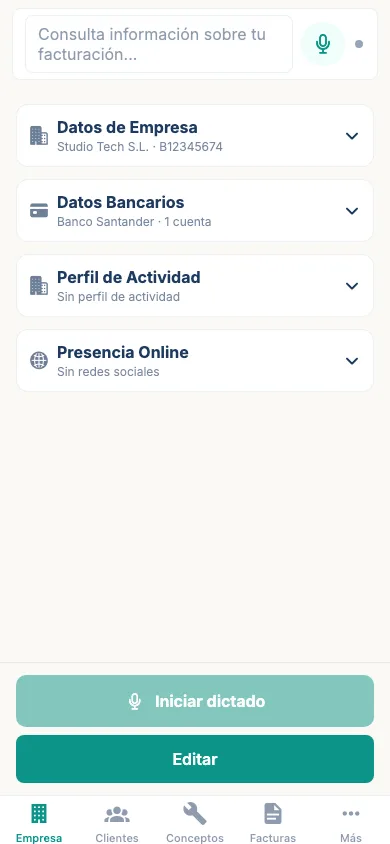
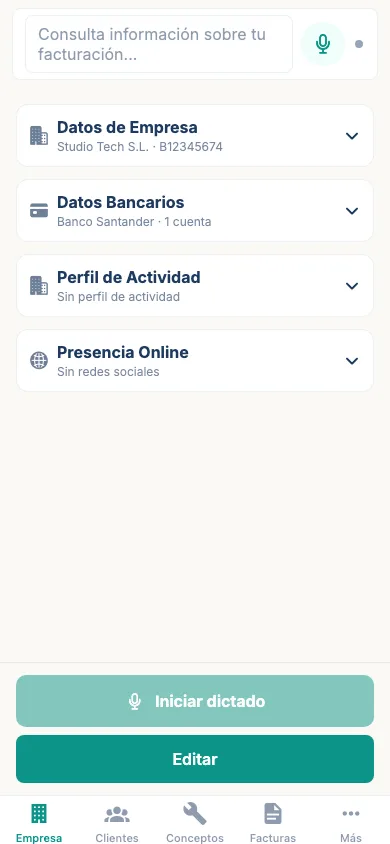
The first time you open Emitia, set up your business details so your invoices automatically include your name, tax ID, address and payment terms.
View stepsUser manual
Every action you want to take in Emitia explained in 3 to 6 steps, with a real app screenshot for each one.
Start for free01 / User manual
02 / Índice
The first time you open Emitia, set up your business details so your invoices automatically include your name, tax ID, address and payment terms.
View steps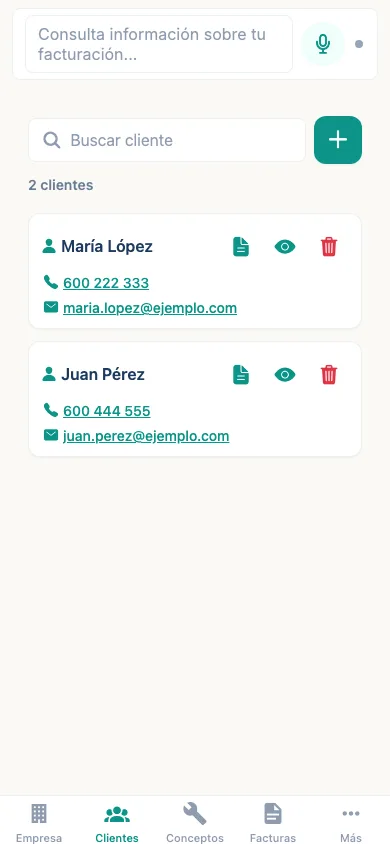
A client is required to create an invoice. You can add one manually or dictate the details using the assistant.
View steps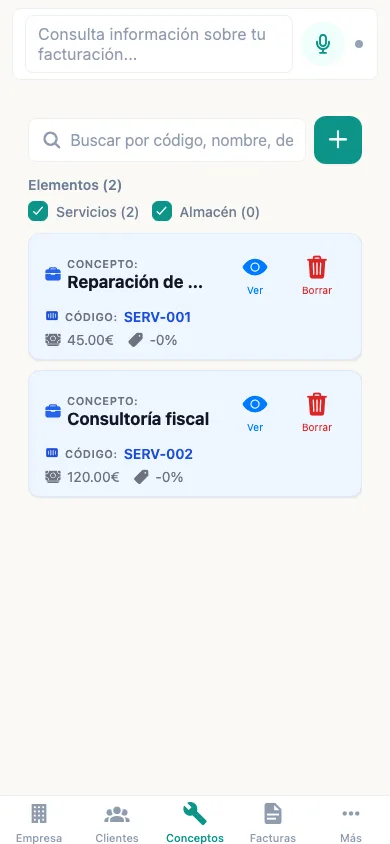
Items are the products or services you use in invoices. Set them up once and recall them in seconds.
View steps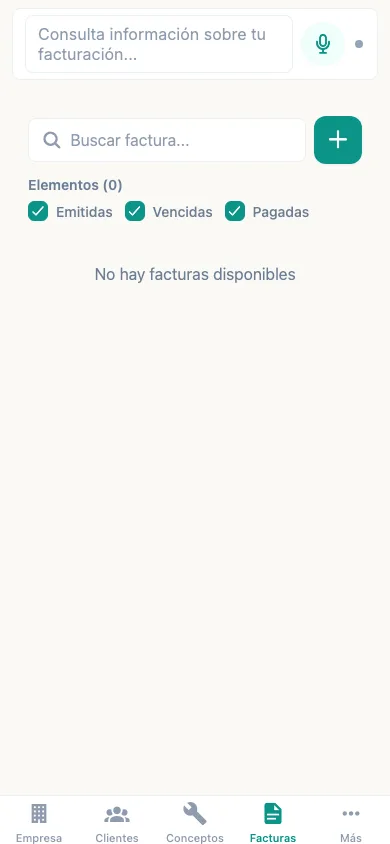
Emitia's main flow: client, items, review and issue. You can create it manually or by voice.
View steps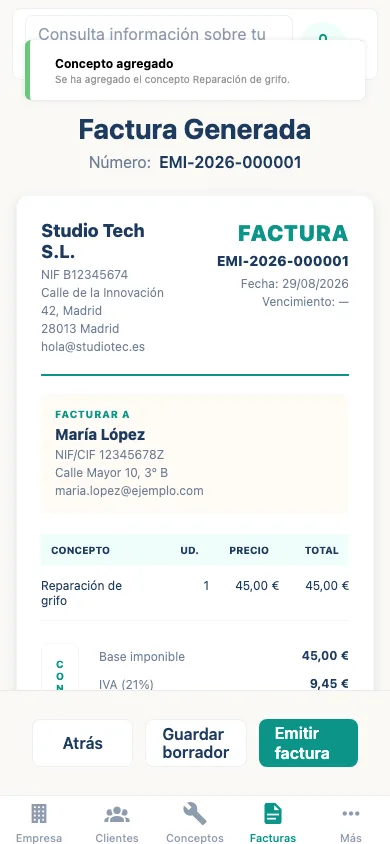
VeriFactu submission is done from your mobile using your digital certificate.
View stepsIf an issued invoice contains an error or should not be valid, you can cancel it in a controlled way.
View stepsA rectifying invoice corrects an already issued invoice. Emitia numbers it with R- and references the original.
View stepsIf you regularly invoice the same items to a client, duplicate a previous invoice and adjust it.
View stepsIn a few clicks you get a package with PDF invoices and a CSV summary ready for your accountant.
View steps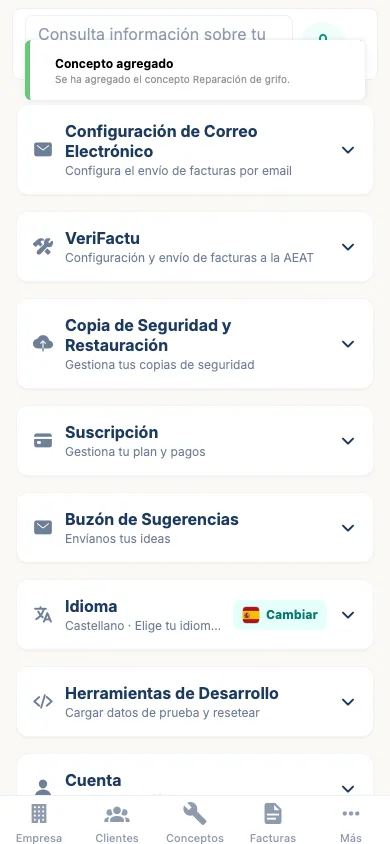
The Google Drive copy is encrypted on your device before it leaves. Only you can restore it.
View steps