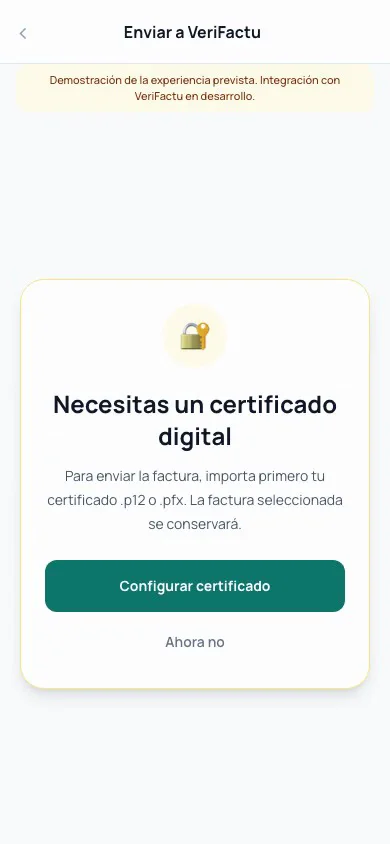
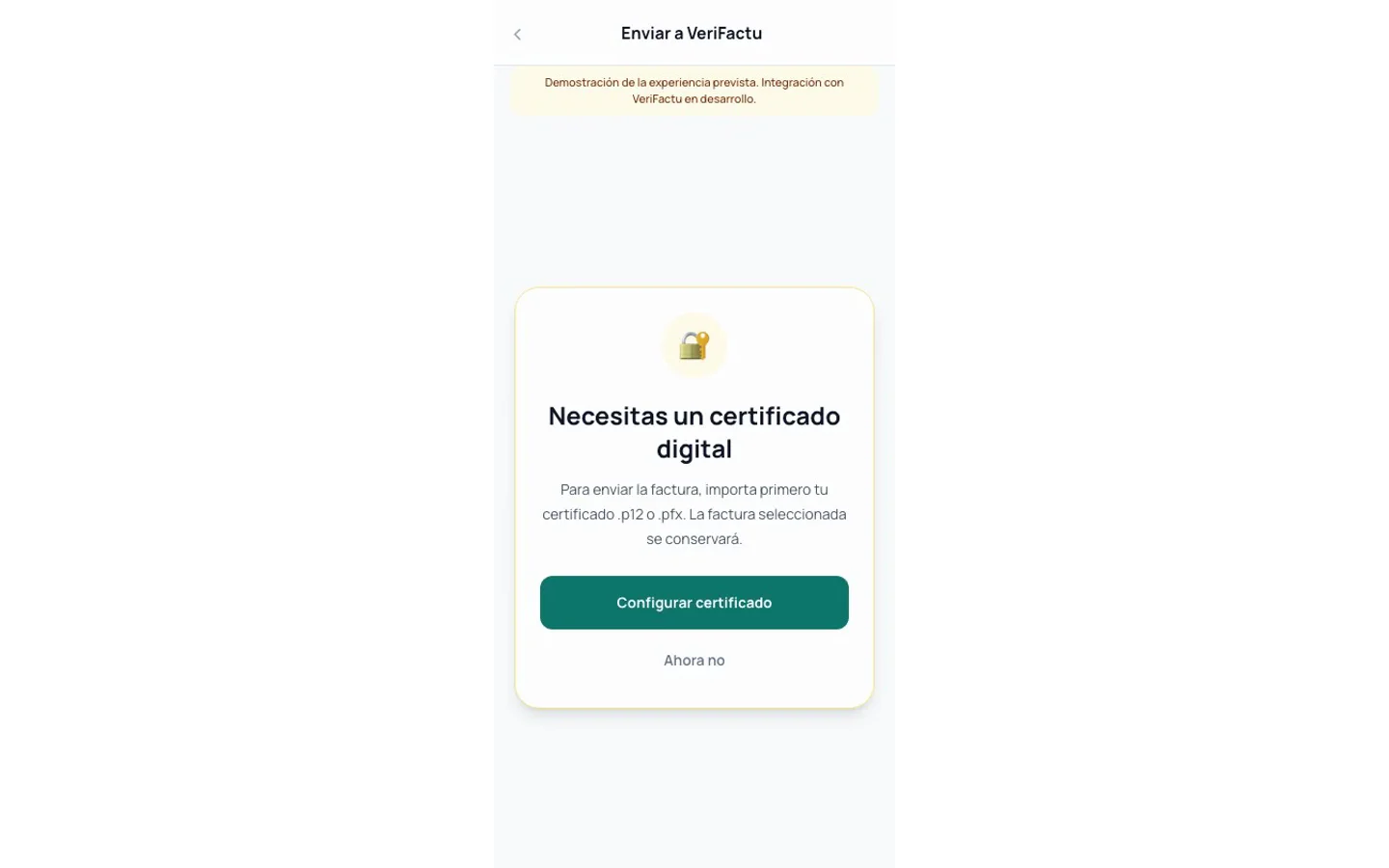
How to send an invoice to VeriFactu
VeriFactu submission is done from your mobile using your digital certificate.
- 01
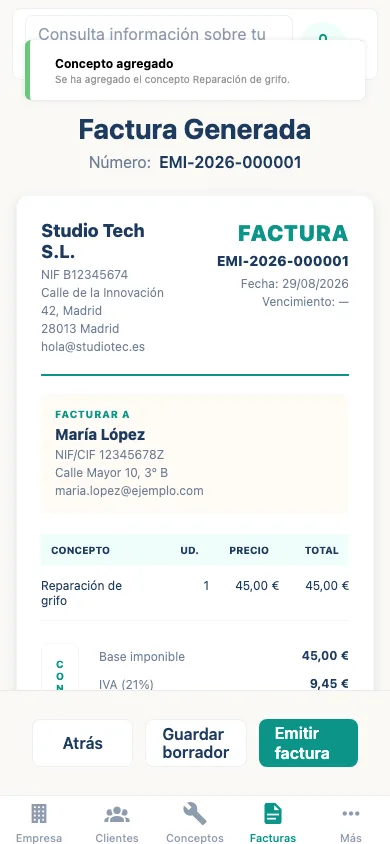
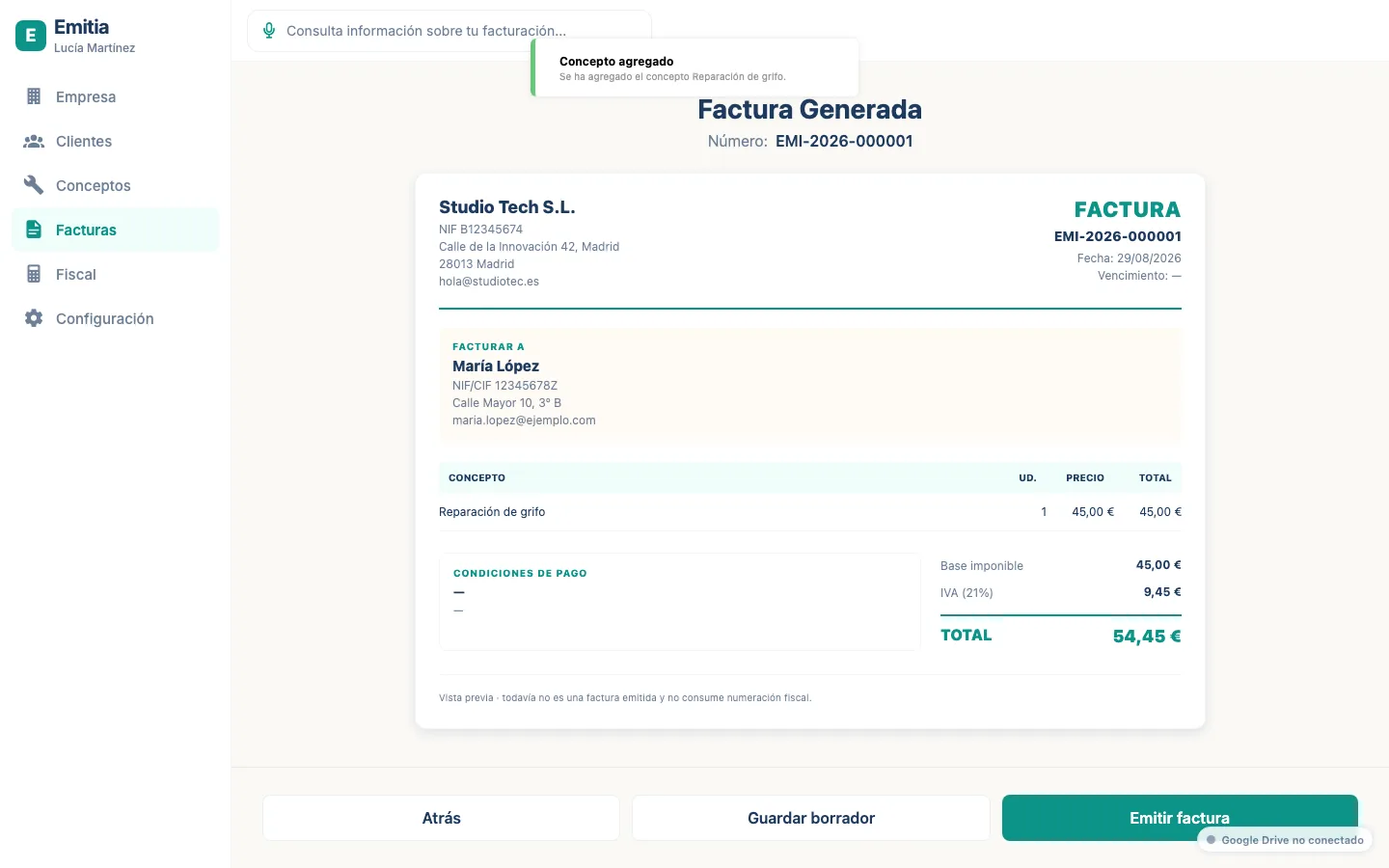
Open the issued invoice
From the list, select the invoice you want to send to VeriFactu.
- 02
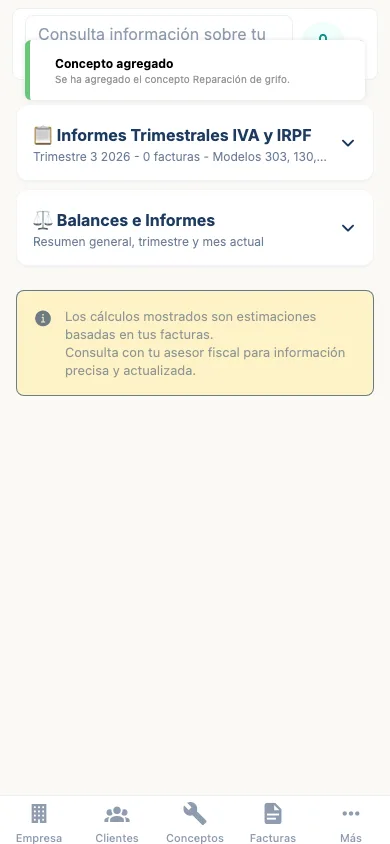
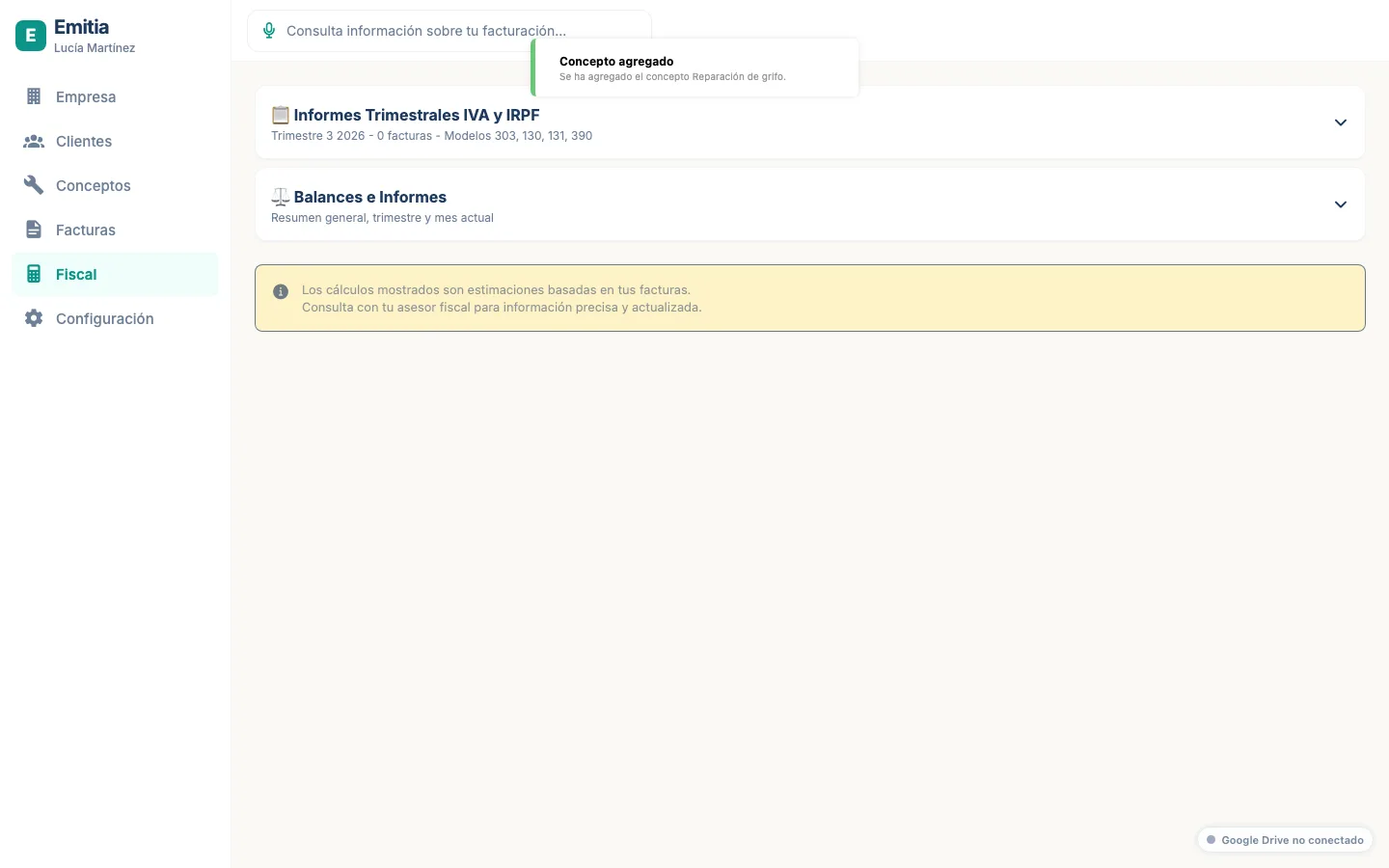
Configure environment and certificate
In “Tax” choose the test or production environment and link your .p12 or .pfx certificate.
- 03
Send the record
Go back to the invoice and tap “Send to VeriFactu”. Emitia generates the record, hash and chaining and sends it to the Tax Agency.