How to create and issue your first invoice
Emitia's main flow: client, items, review and issue. You can create it manually or by voice.
- 01
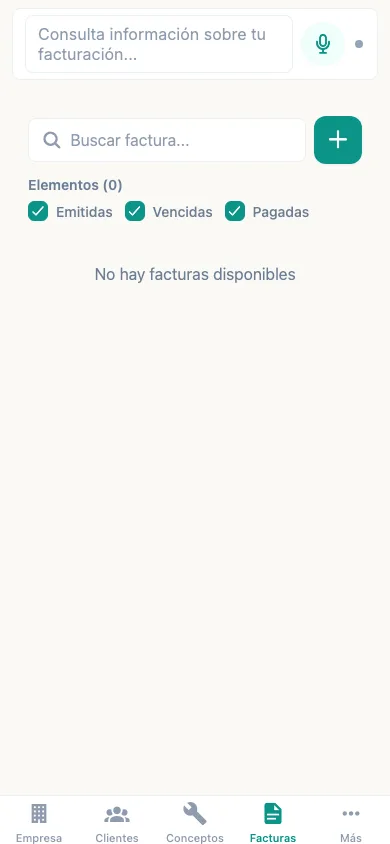
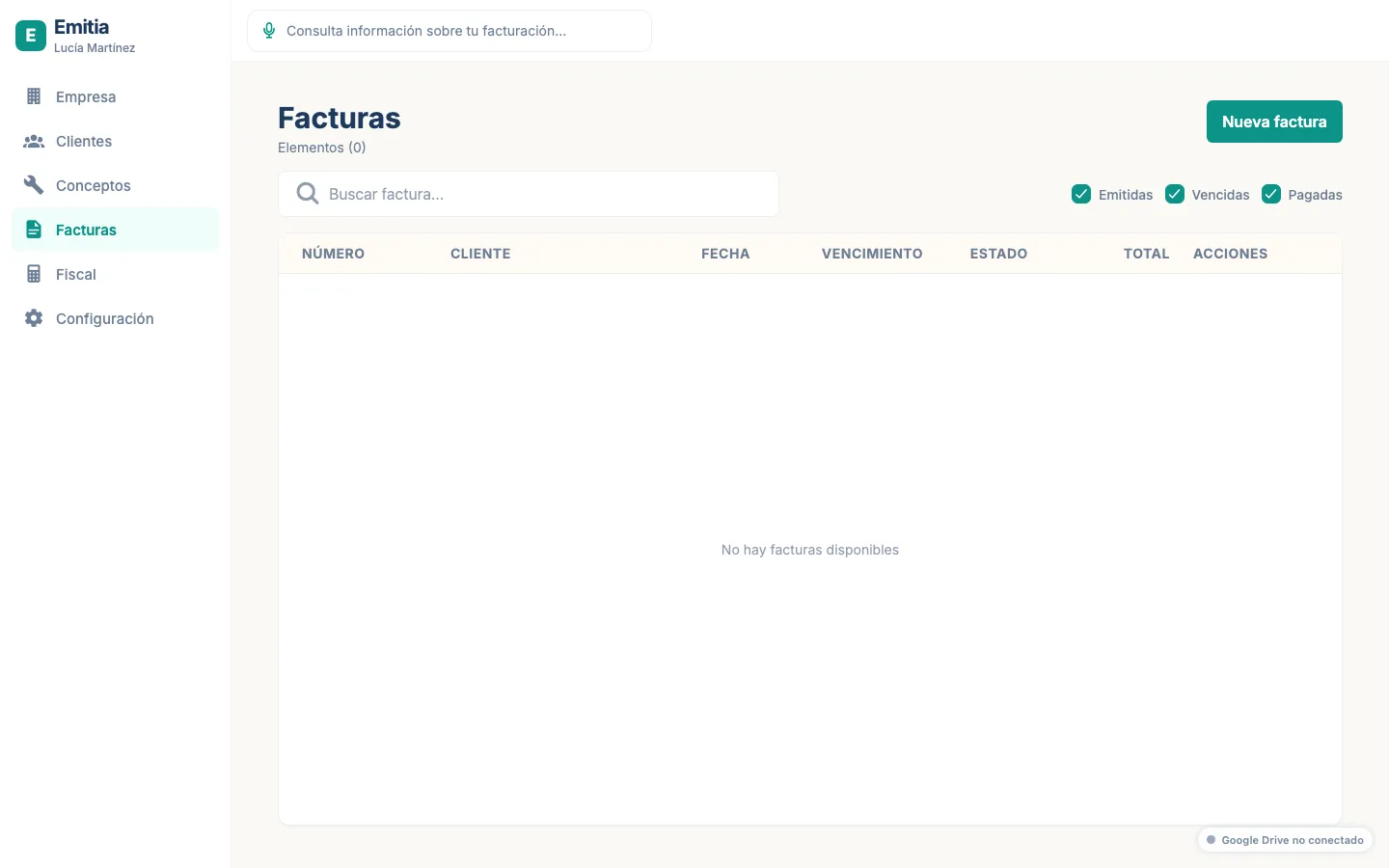
Start an invoice
Tap “Invoices” then “Add invoice”. Start by selecting the client.
- 02
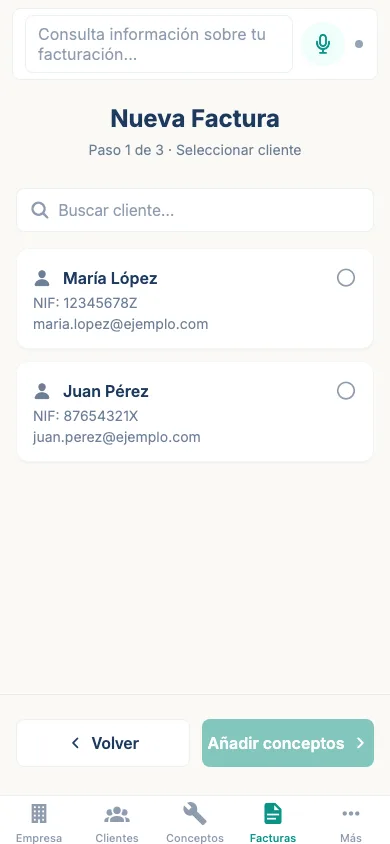
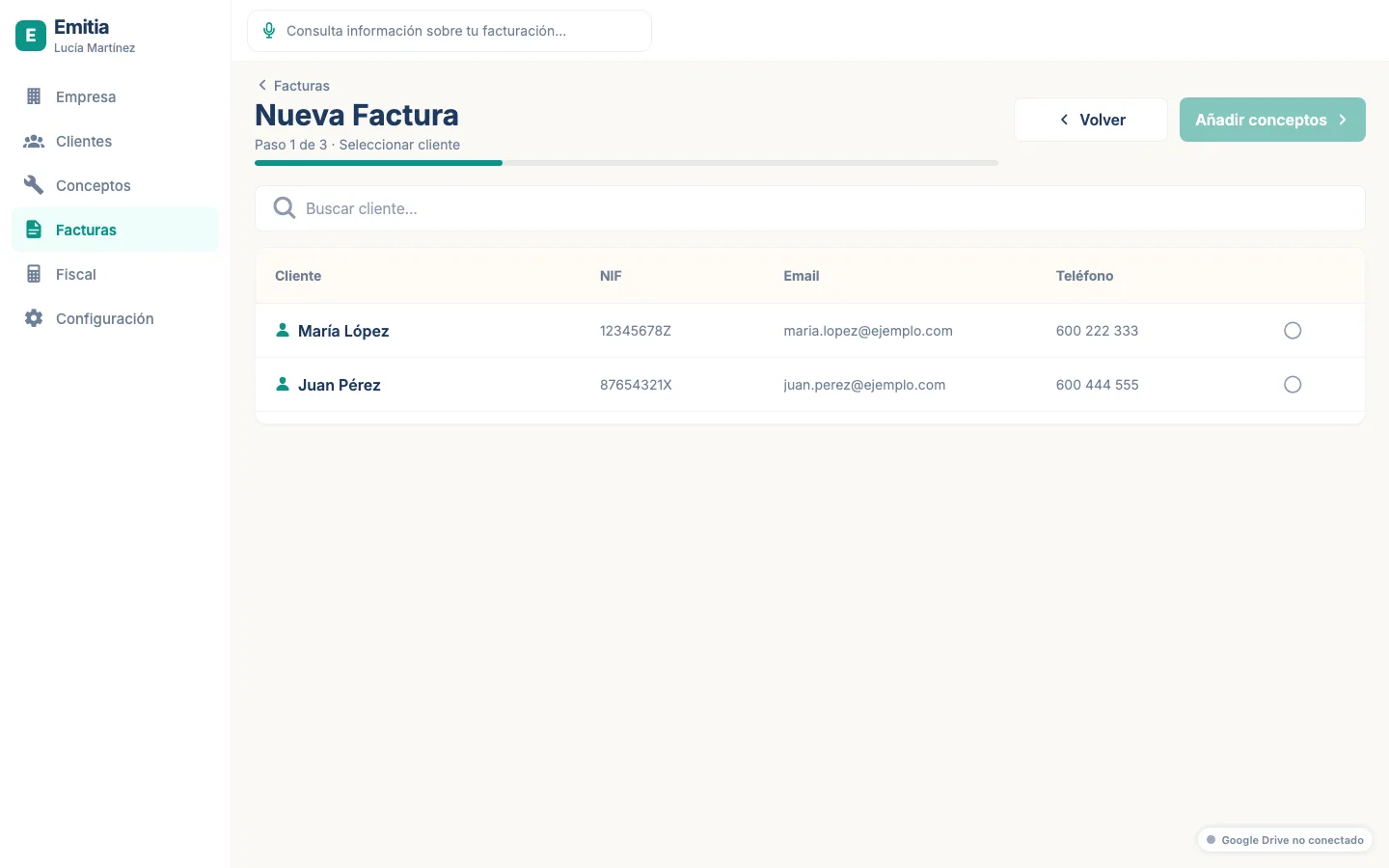
Select client
Choose the client from the list or search. Tap “Next”.
- 03
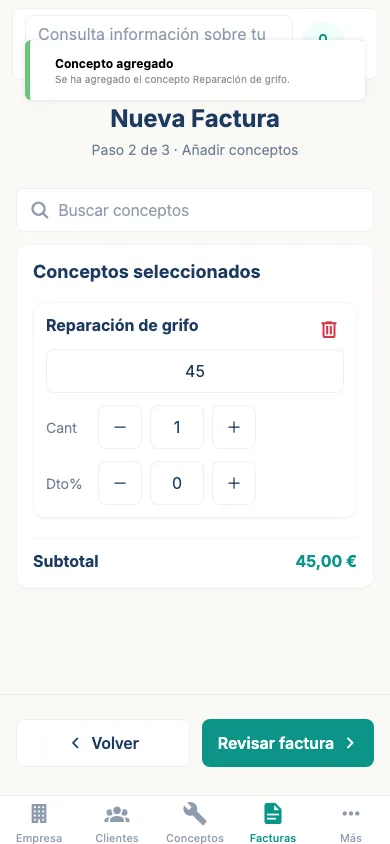
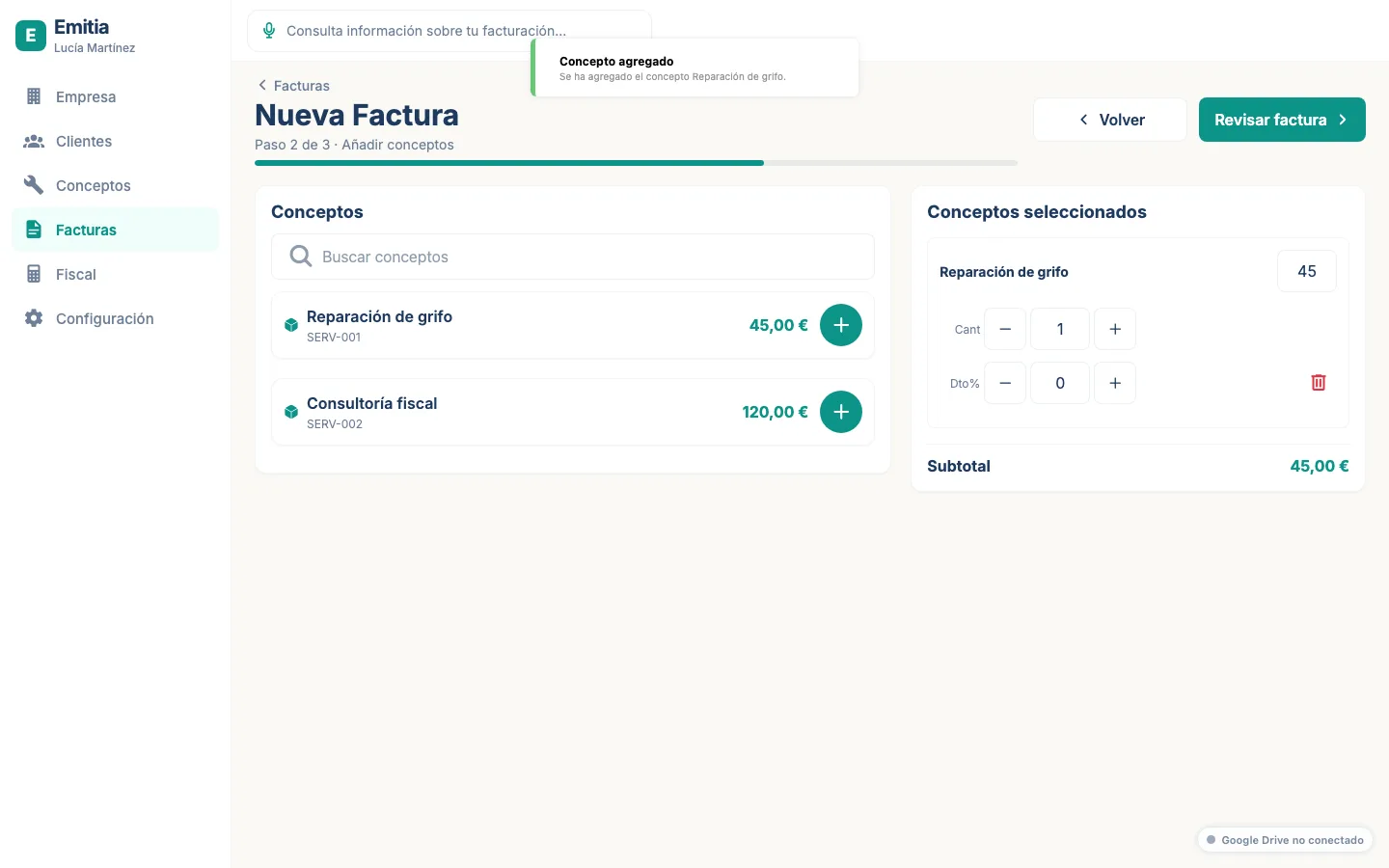
Add items
Search and add the invoice items. Emitia calculates VAT, IRPF and totals instantly.
- 04
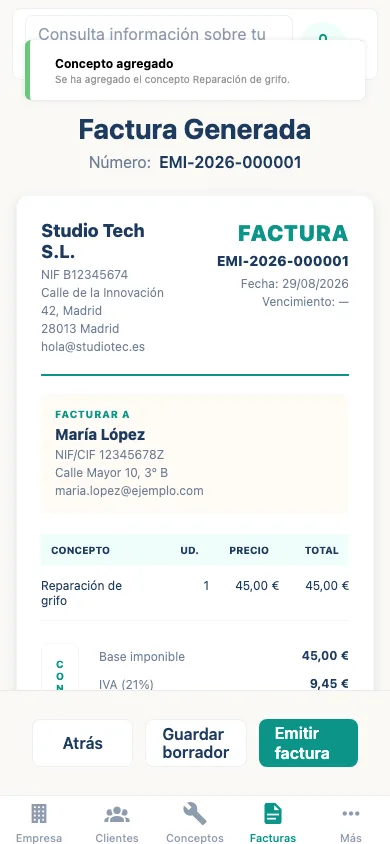
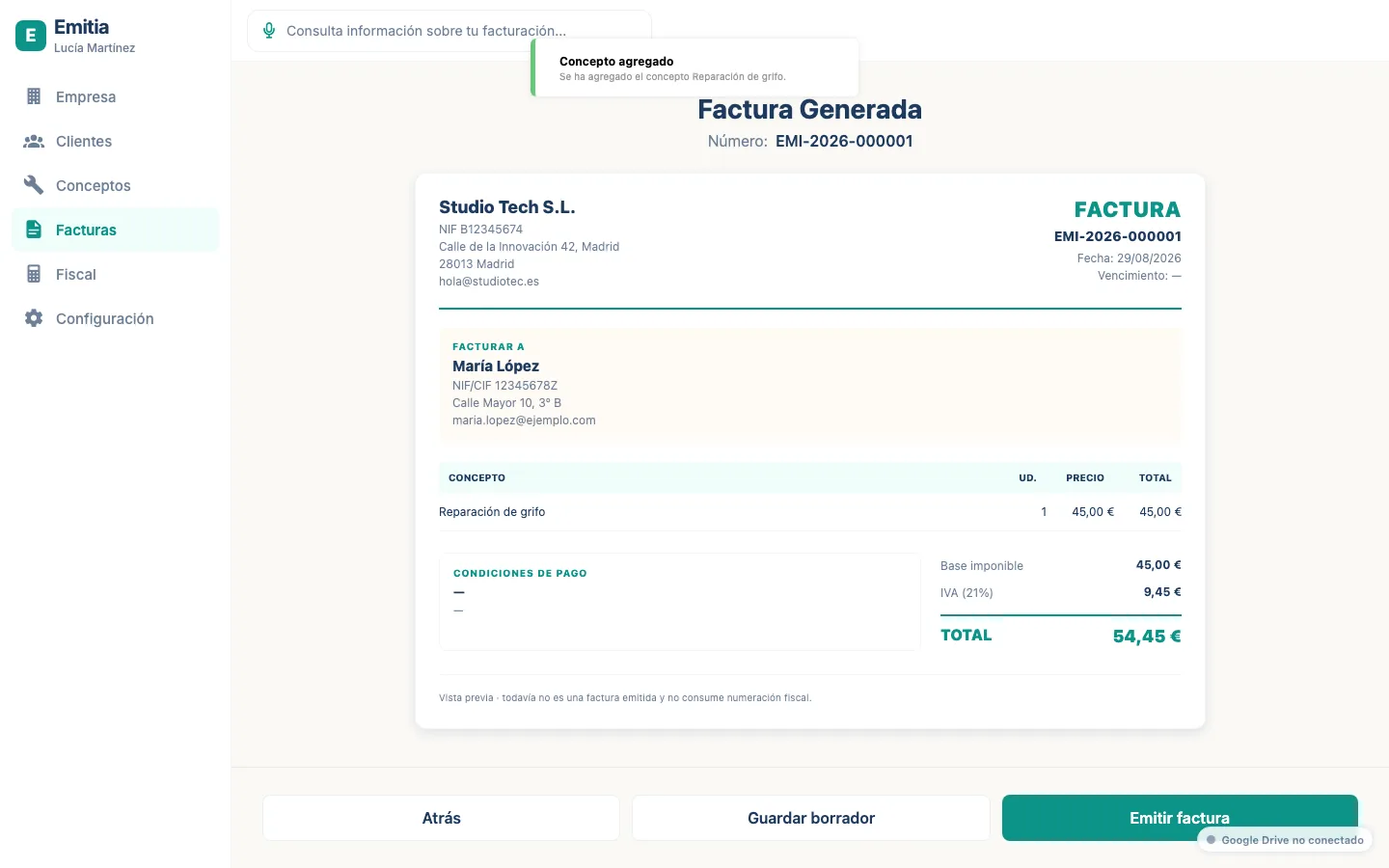
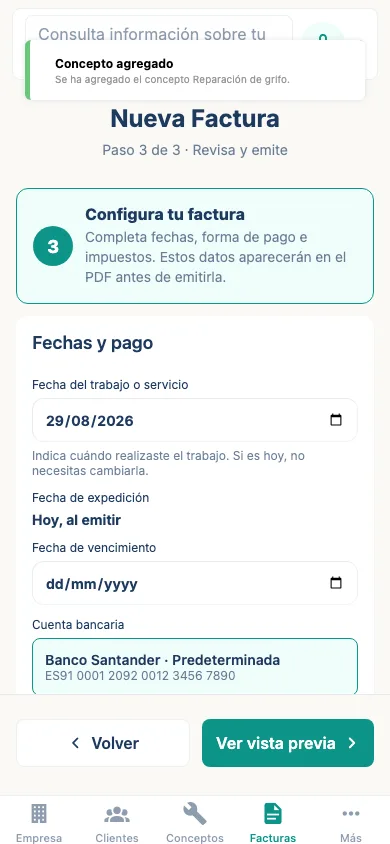
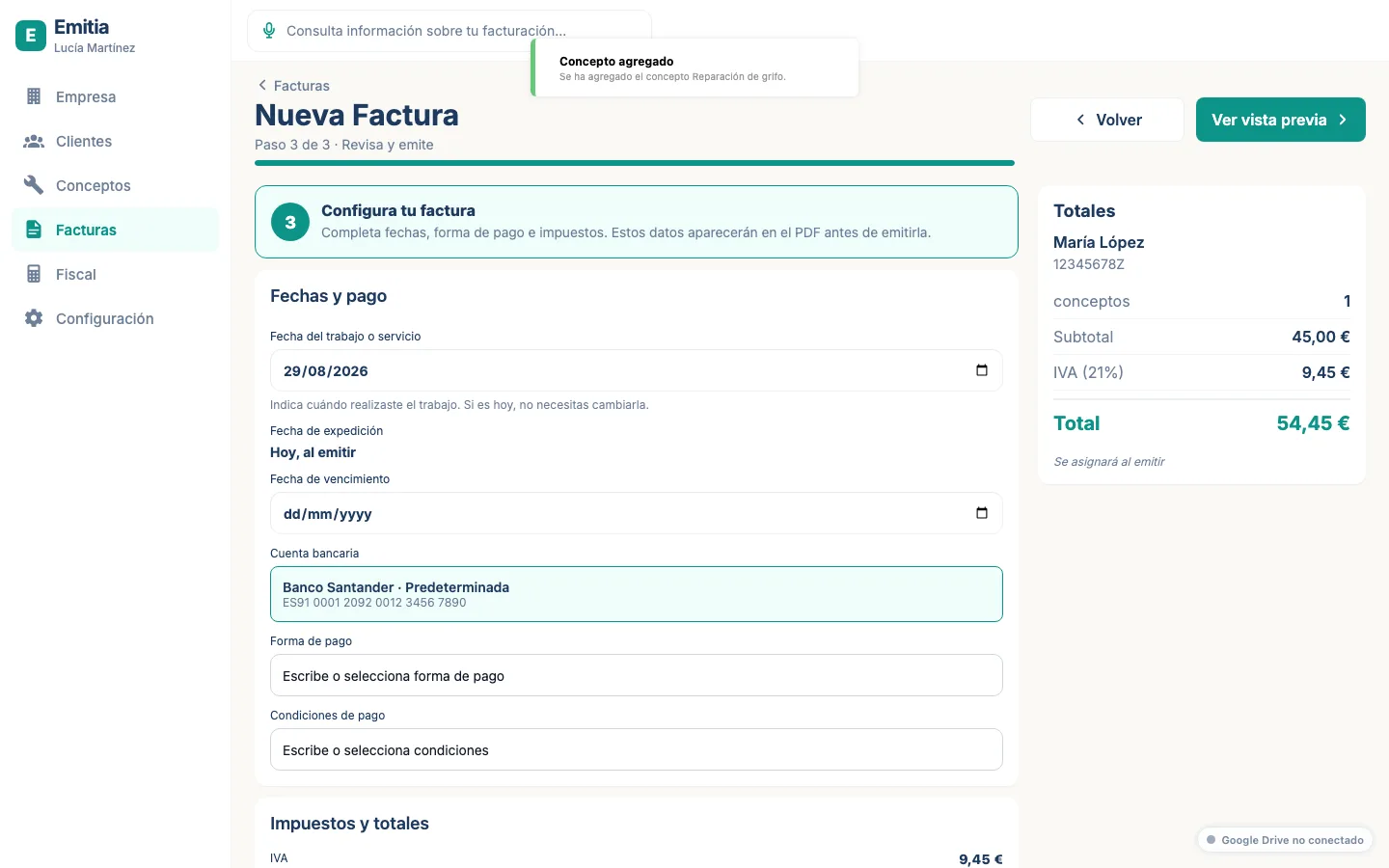
Review the invoice
Check dates, numbering, taxes and totals. If everything is correct, tap “Issue”.
- 05
Preview and confirm
View the real PDF and confirm the issue. The invoice will move to issued status.