How to create your first item or service
Items are the products or services you use in invoices. Set them up once and recall them in seconds.
- 01
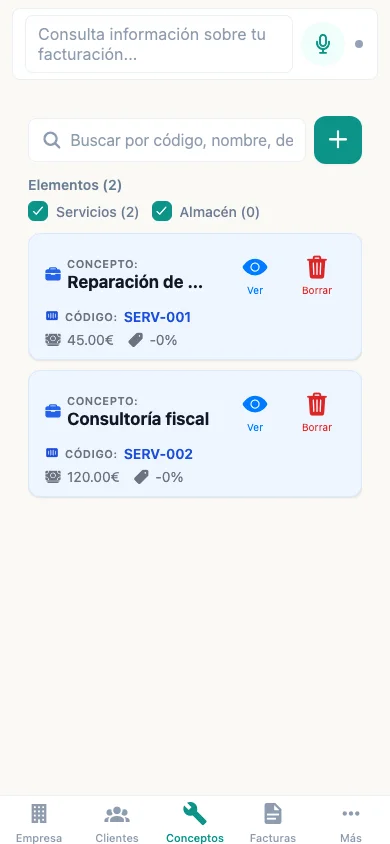
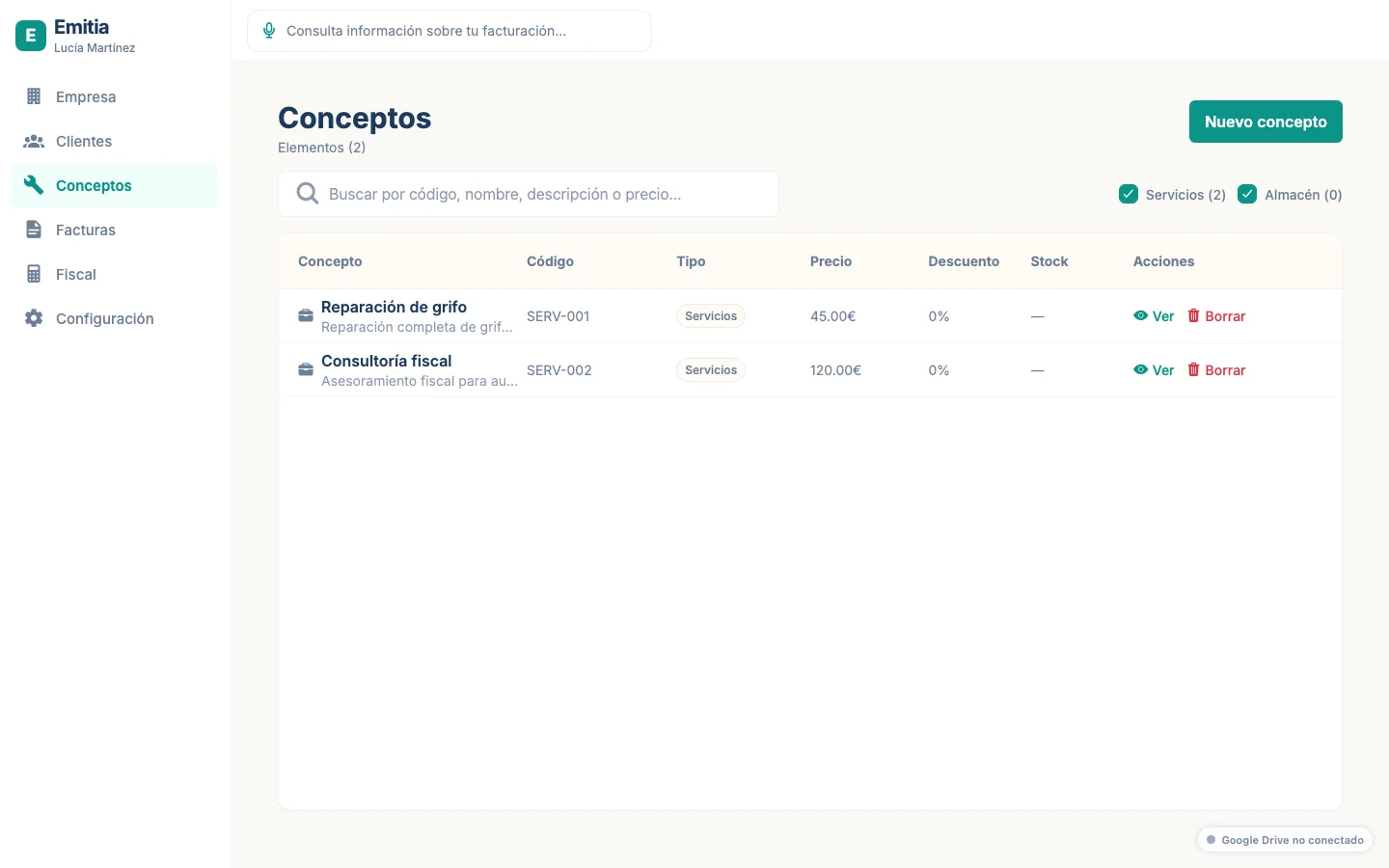
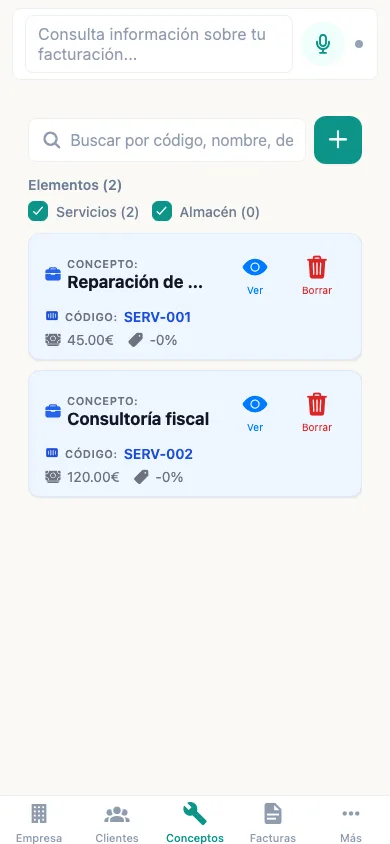
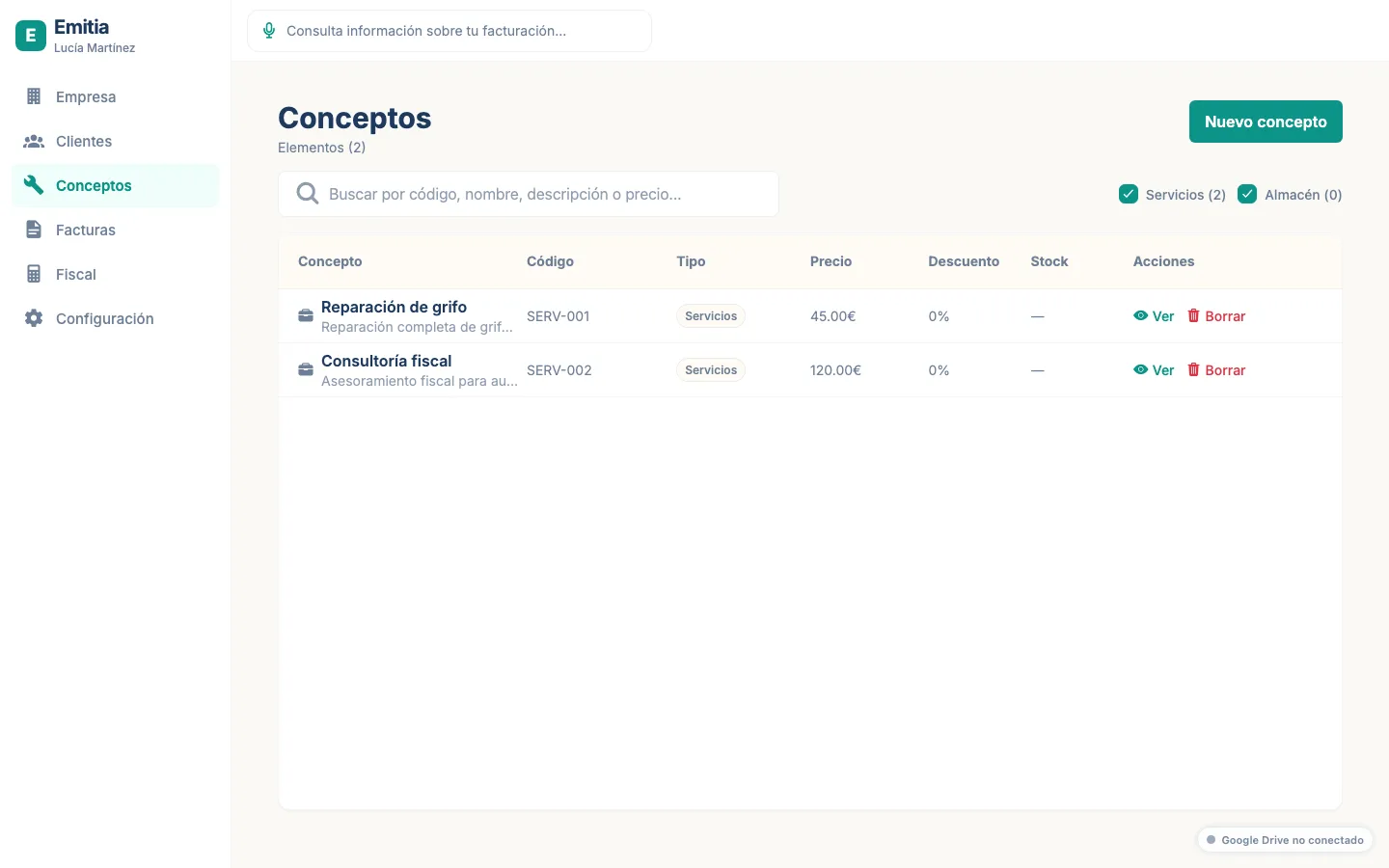
Open the Items tab
From the navigation bar, tap “Items”. You will see the current catalog.
- 02
Create a new item
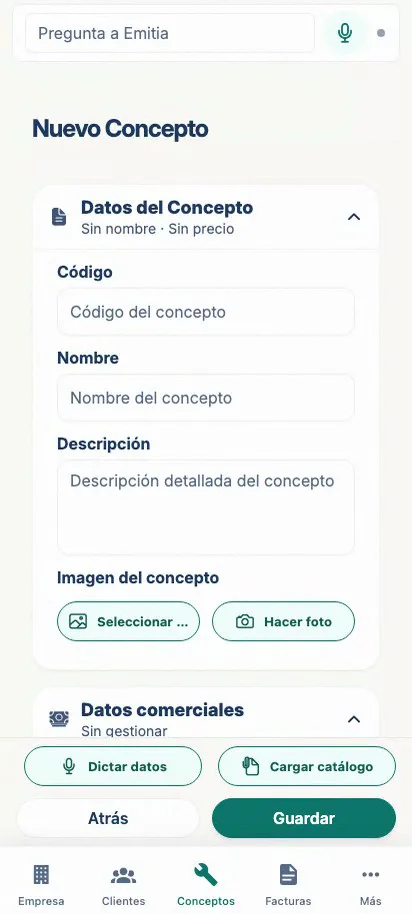
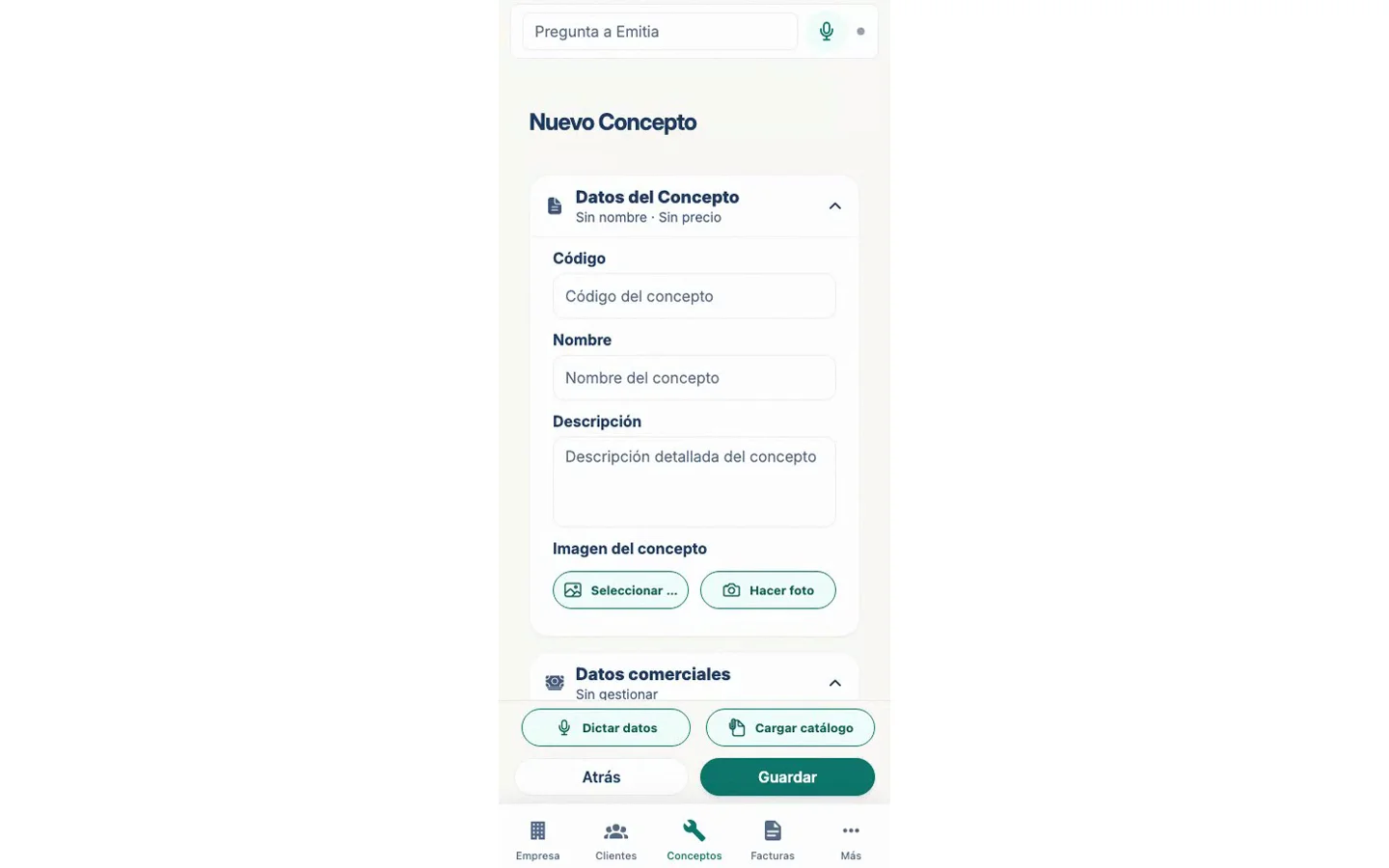
Tap “Add item” and enter the code, name, base price, VAT and IRPF.
- 03
Save and use it
Save the item. It will now be available when you create an invoice.