How to add your first client
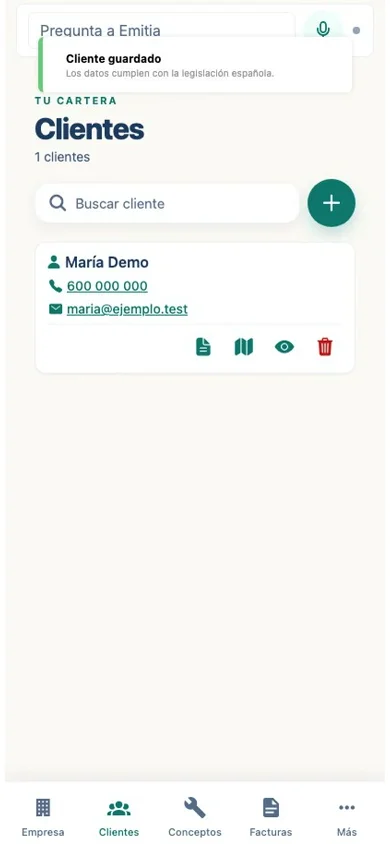
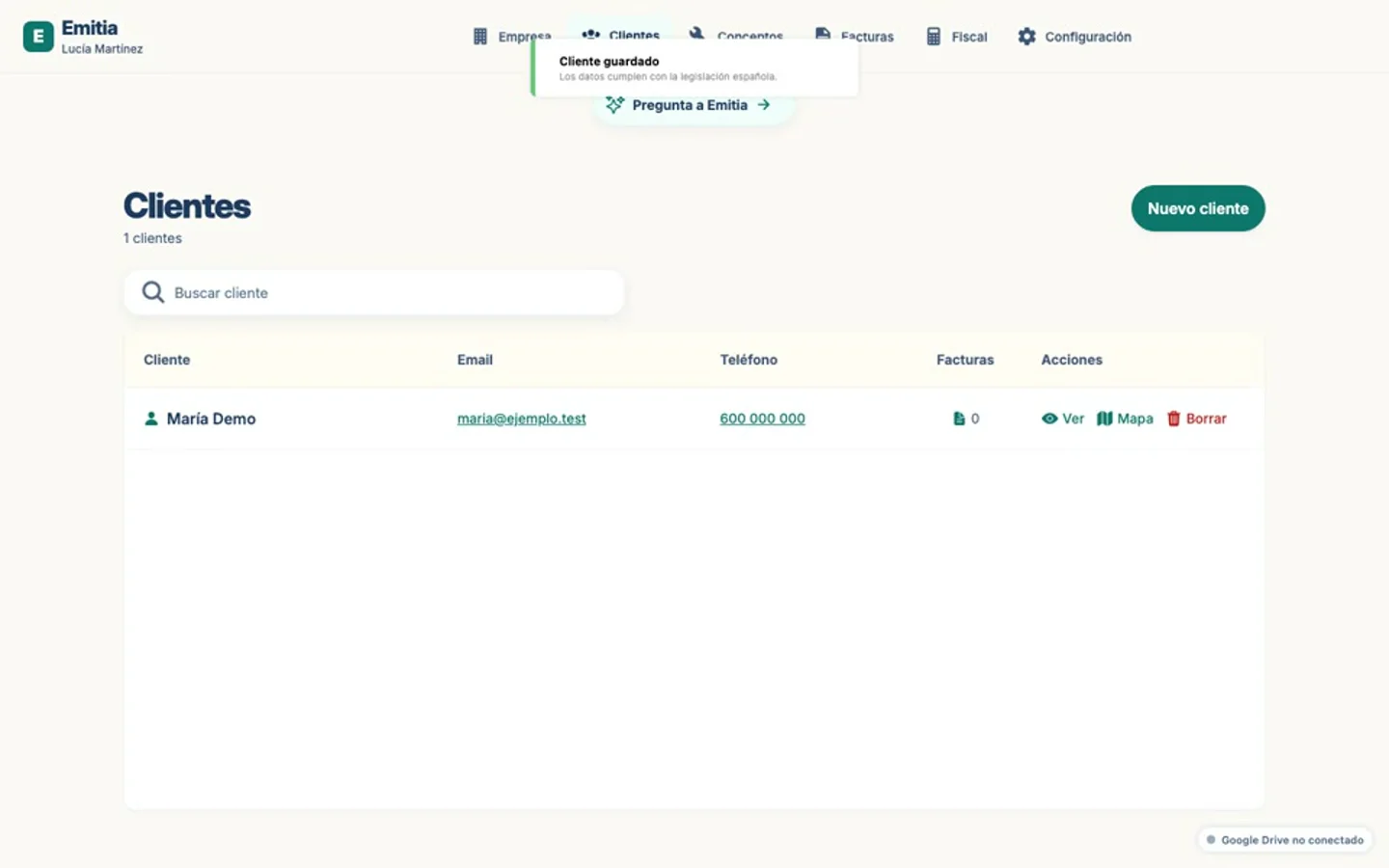
A client is required to create an invoice. You can add one manually or dictate the details using the assistant.
- 01
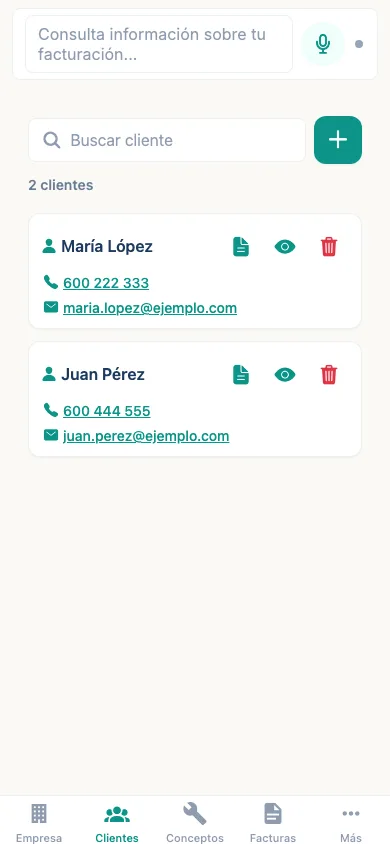
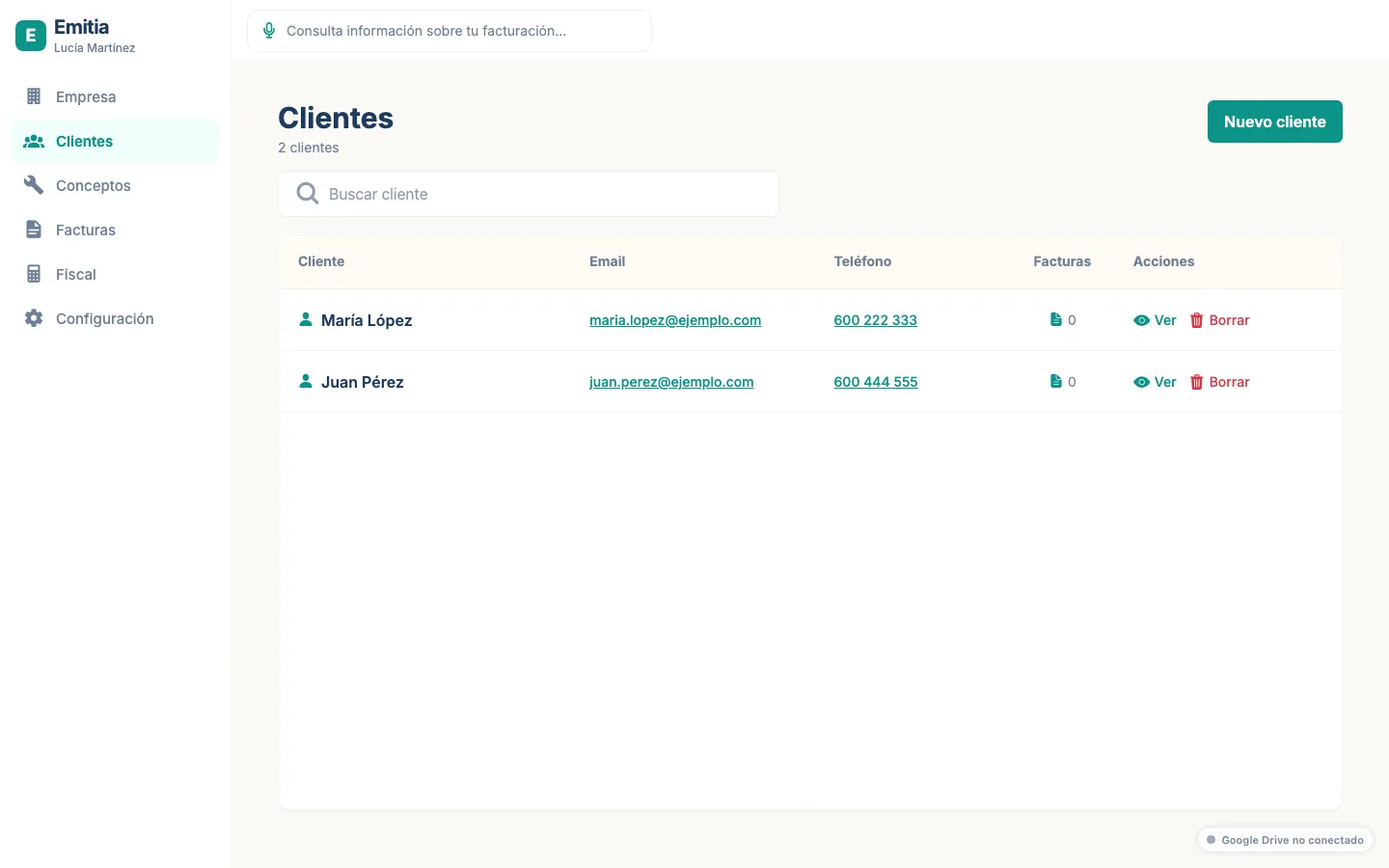
Go to the Clients tab
Tap “Clients” in the navigation bar. You will see the empty list or your existing clients.
- 02
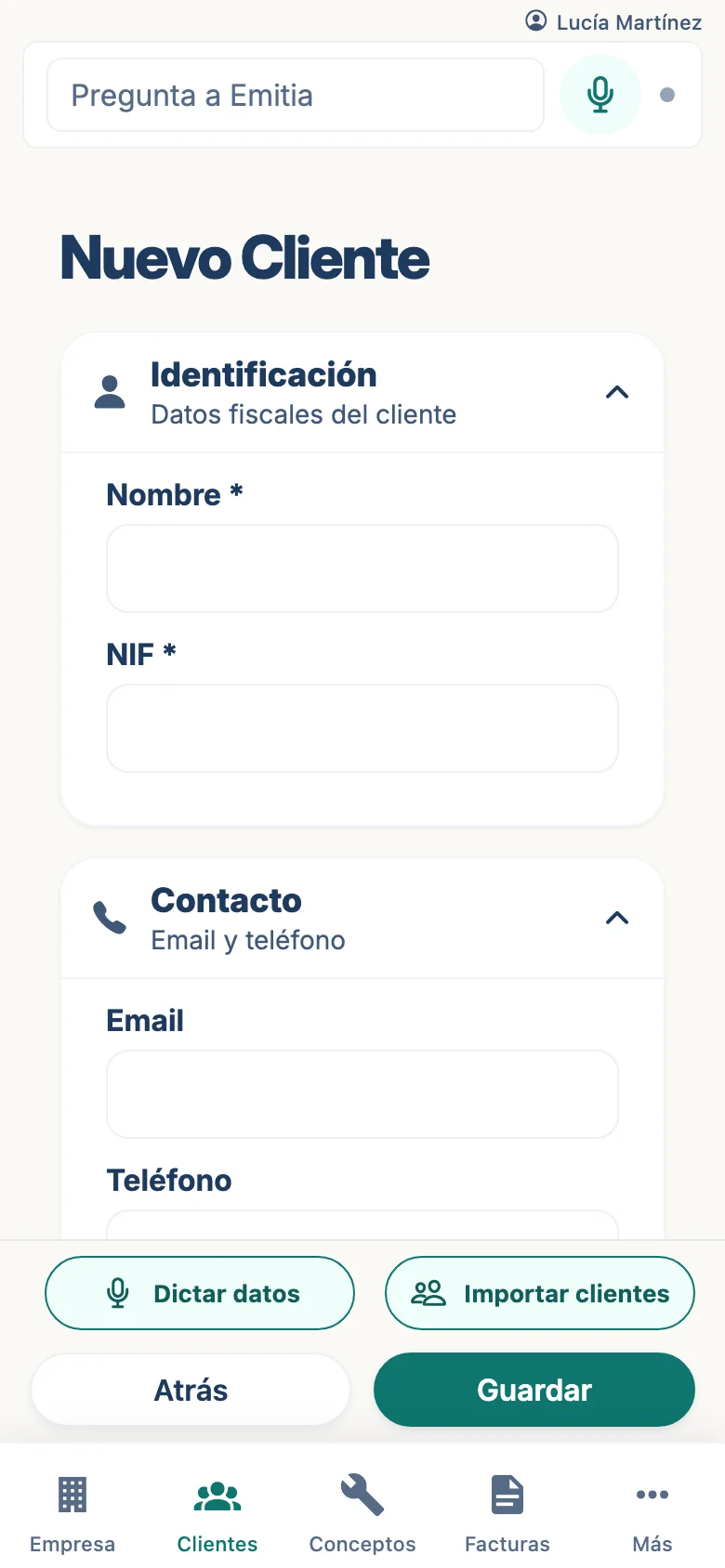
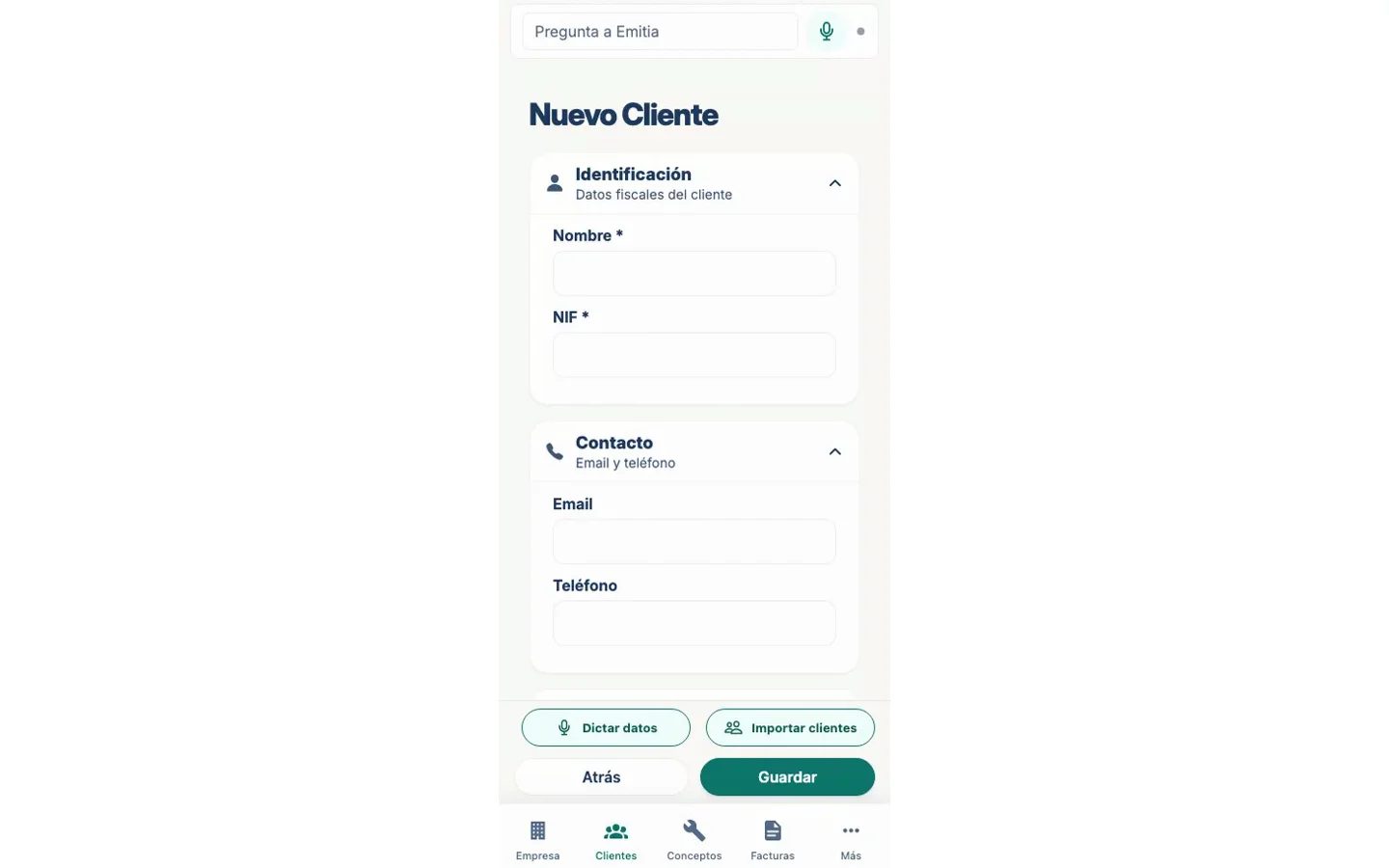
Add a new client
Tap the “+” button and fill in the form: name, tax ID, address, phone and email.
- 03
Save the client
Check that the details are correct and save. It will appear in the list and you can invoice them.