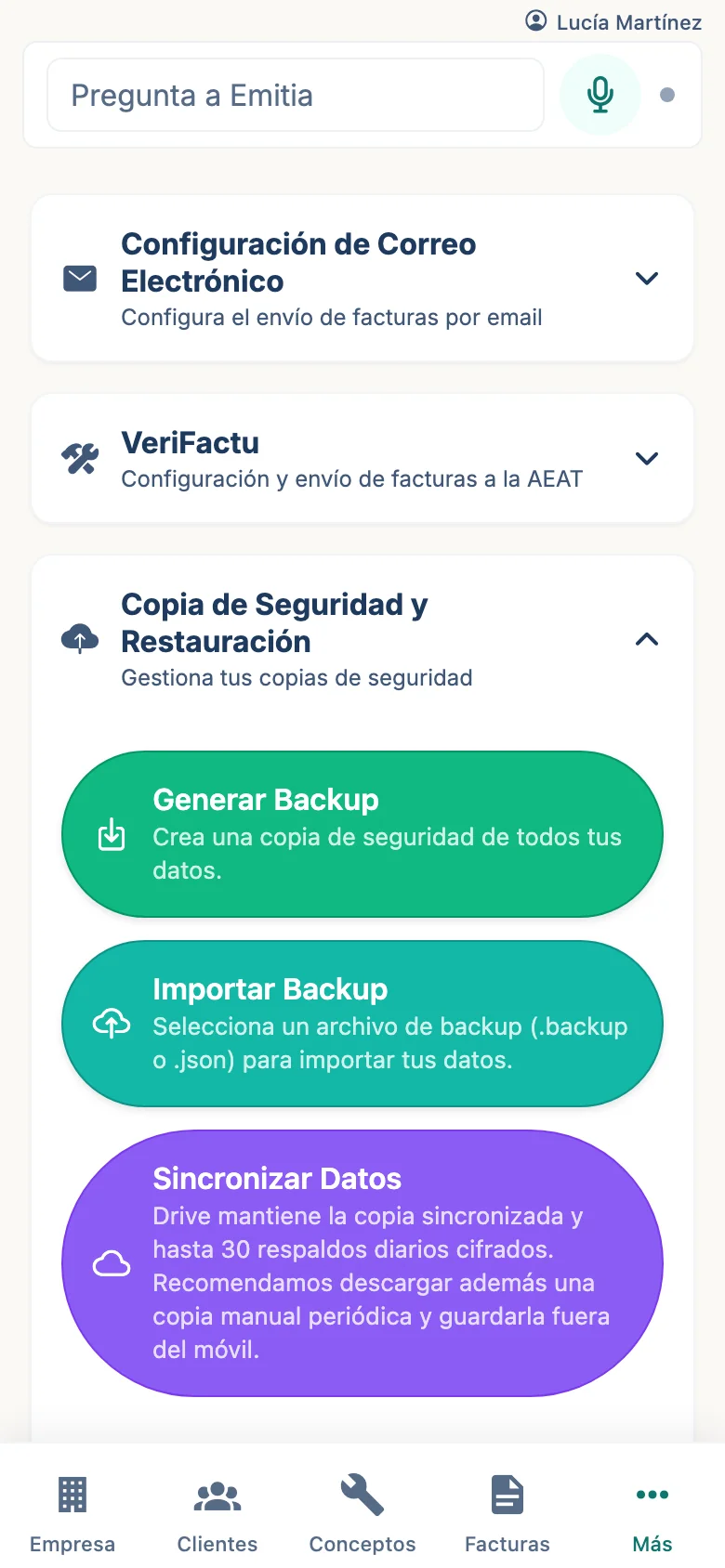
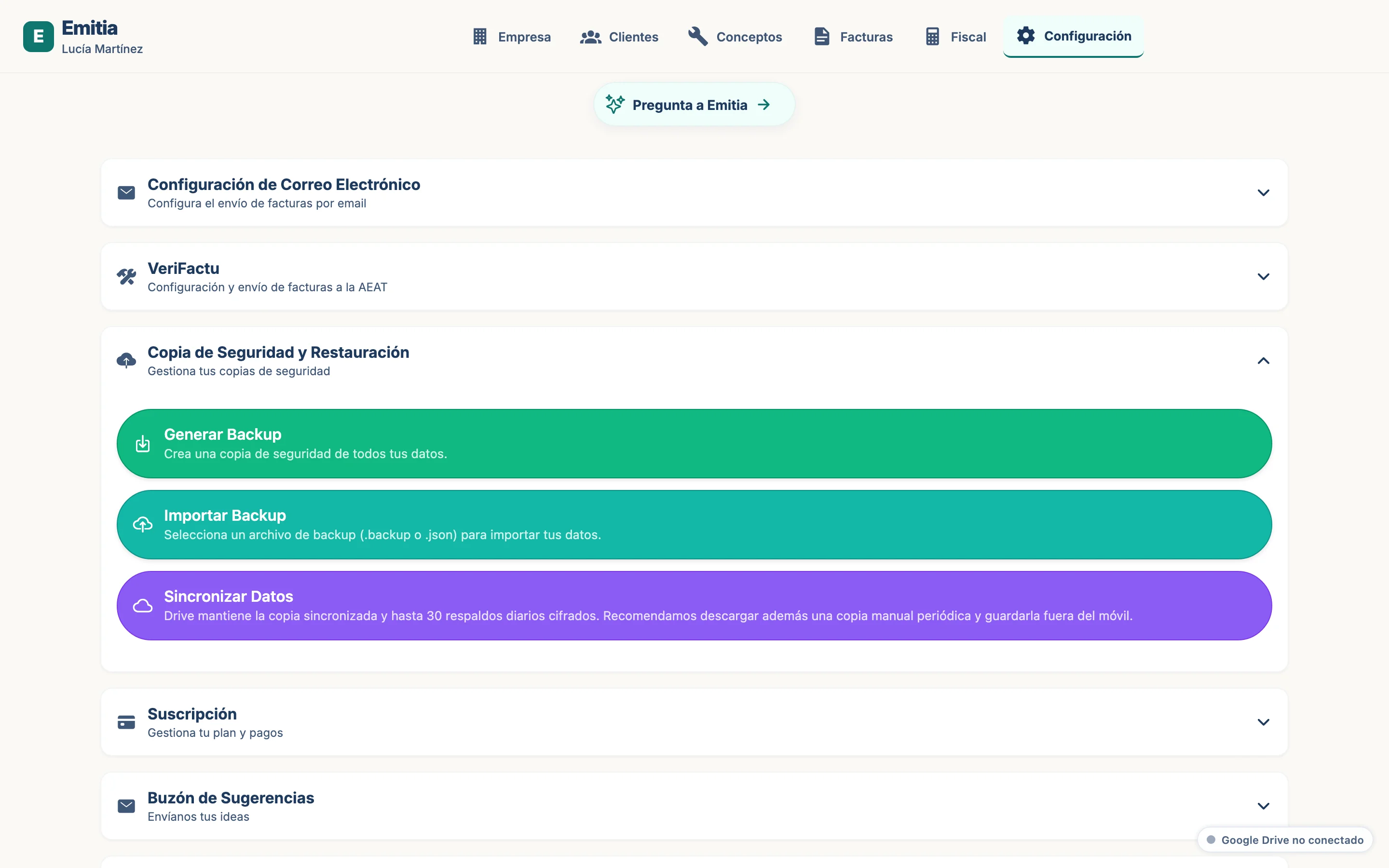
How to set up Google Drive sync
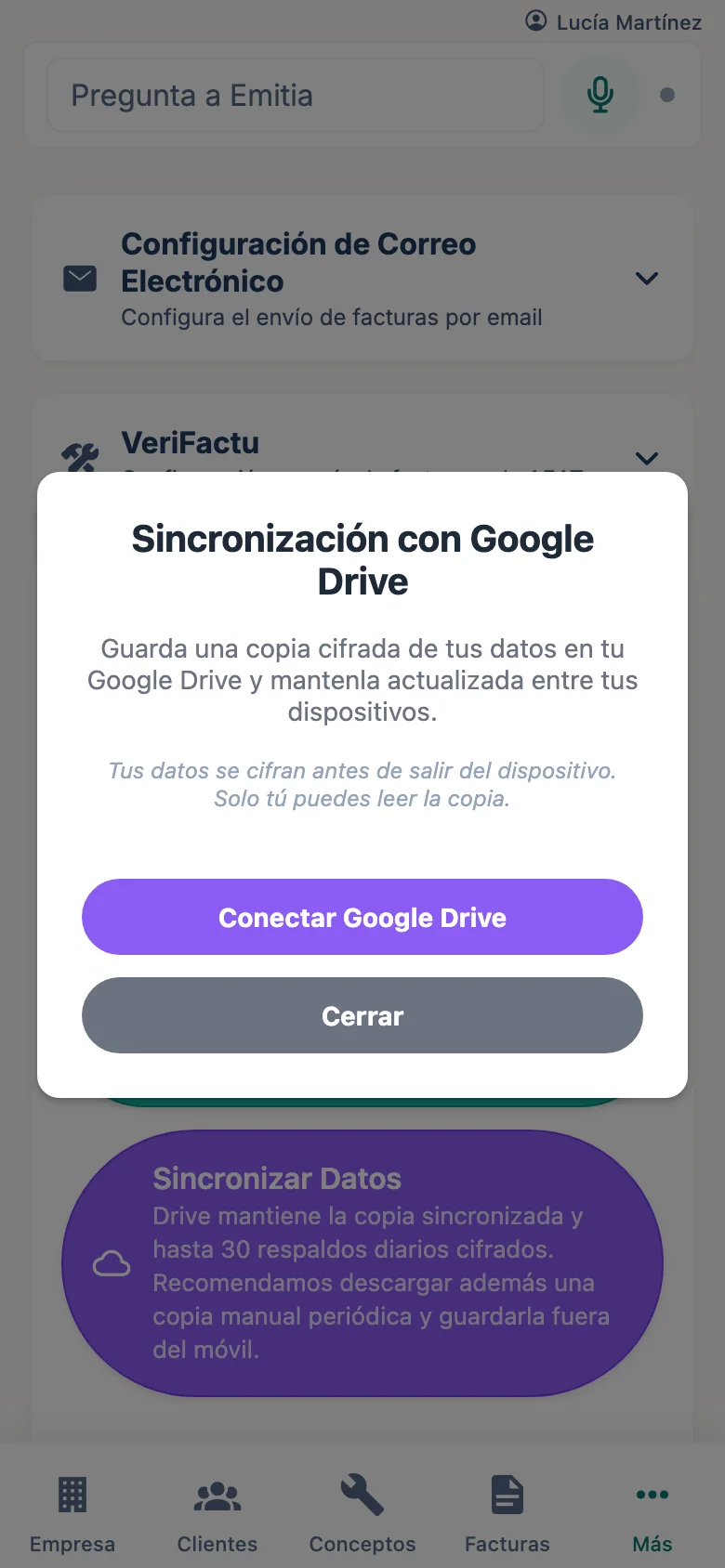
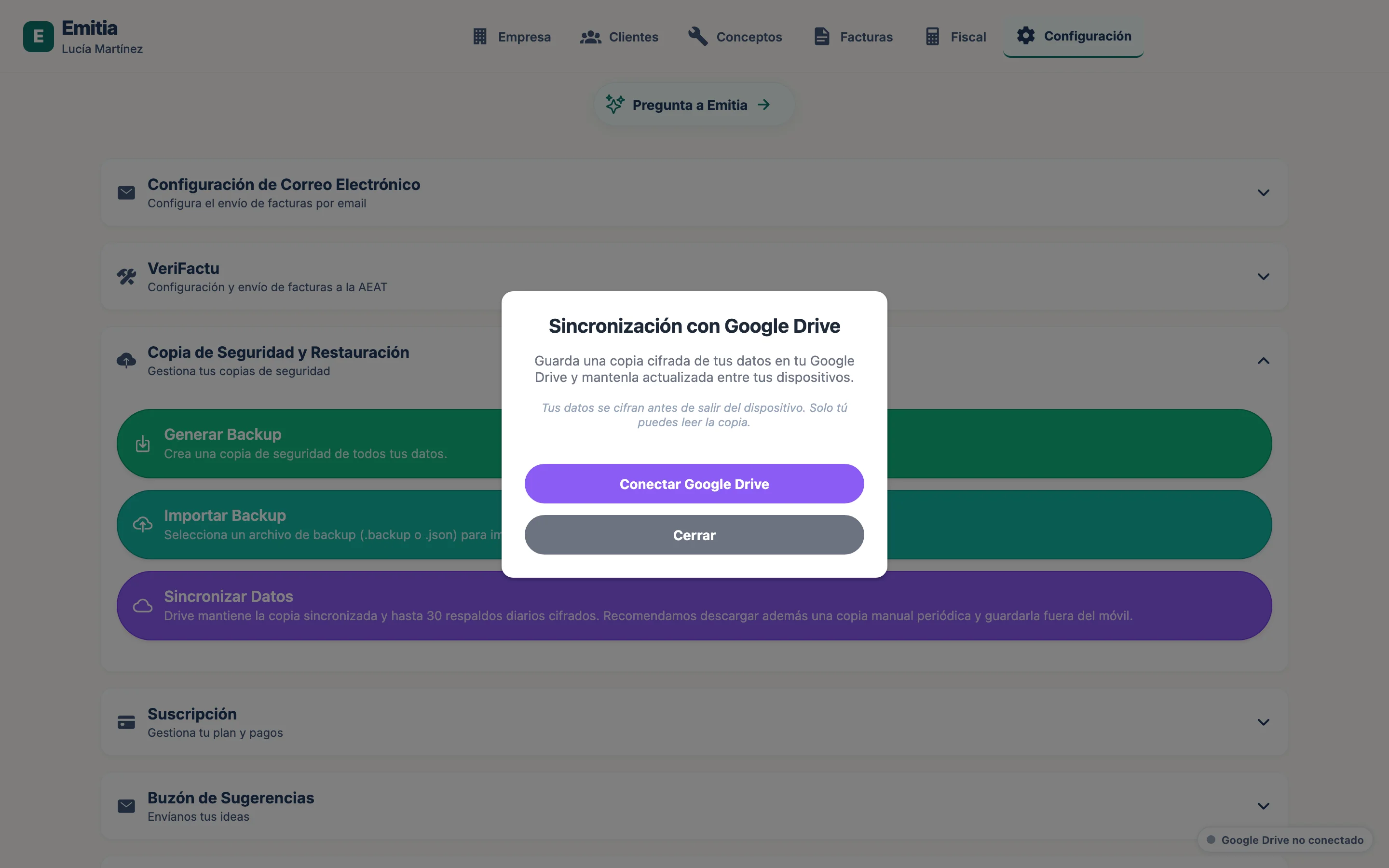
The Google Drive copy is encrypted on your device before it leaves. Only you can restore it.
- 01
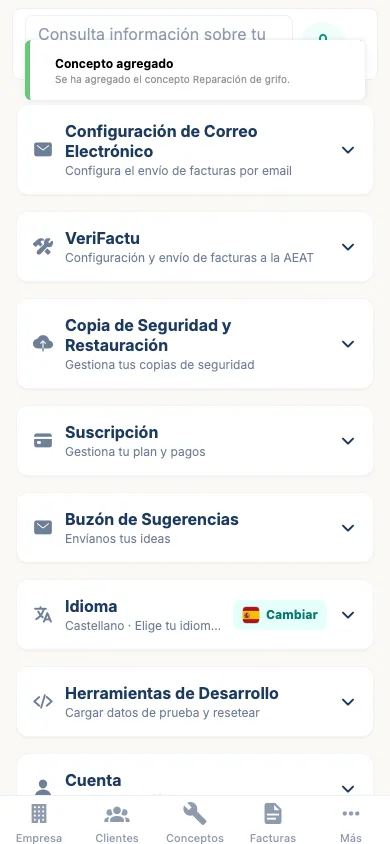
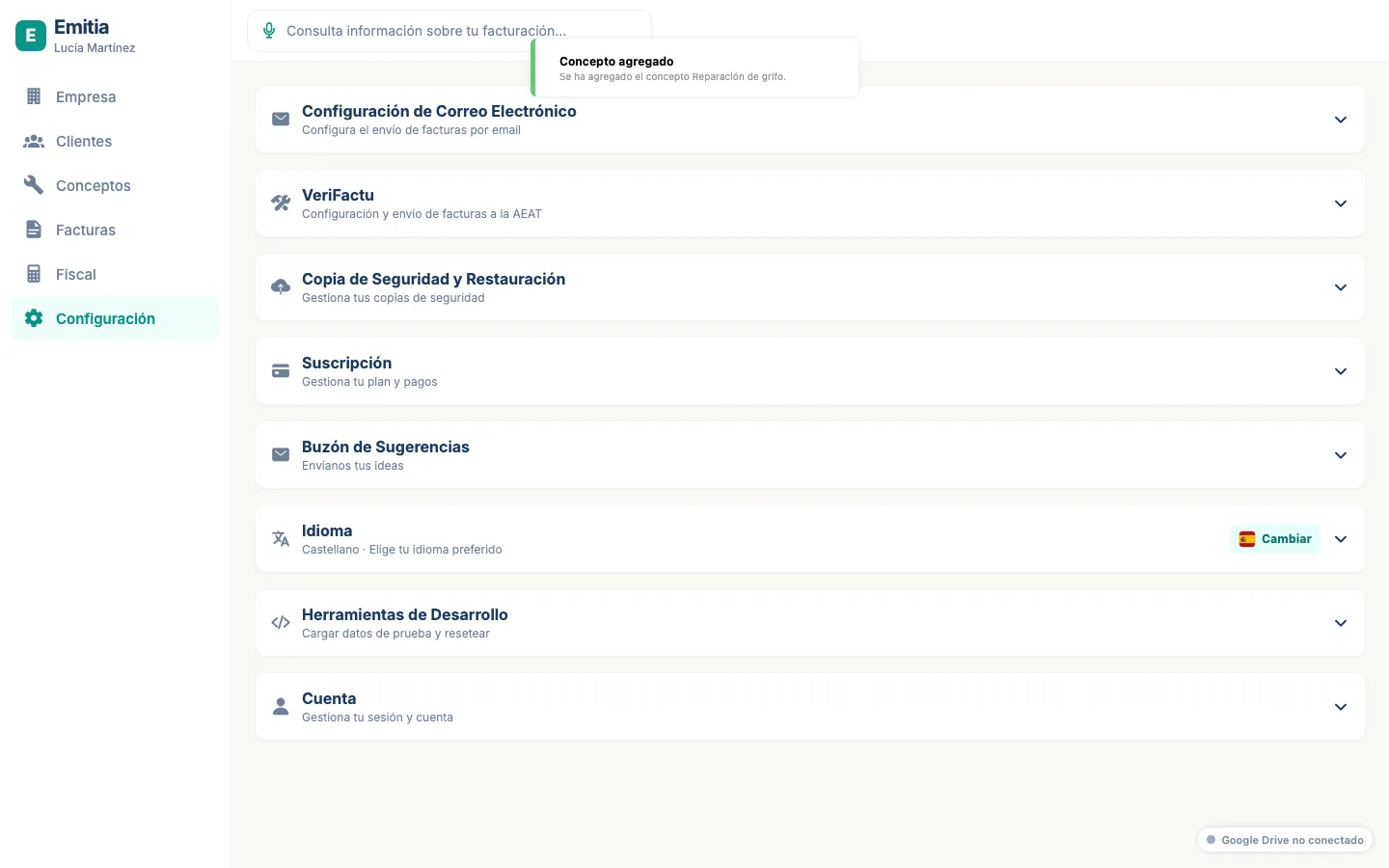
Open Settings
Tap “More” > “Settings”. You will see the backup section.
- 02
Connect Google Drive
Tap “Connect with Google Drive”. Sign in with the account where you want to store the backup.
- 03
Confirm the connection
Once connected, you will see the account email and last sync. The backup will sync automatically.