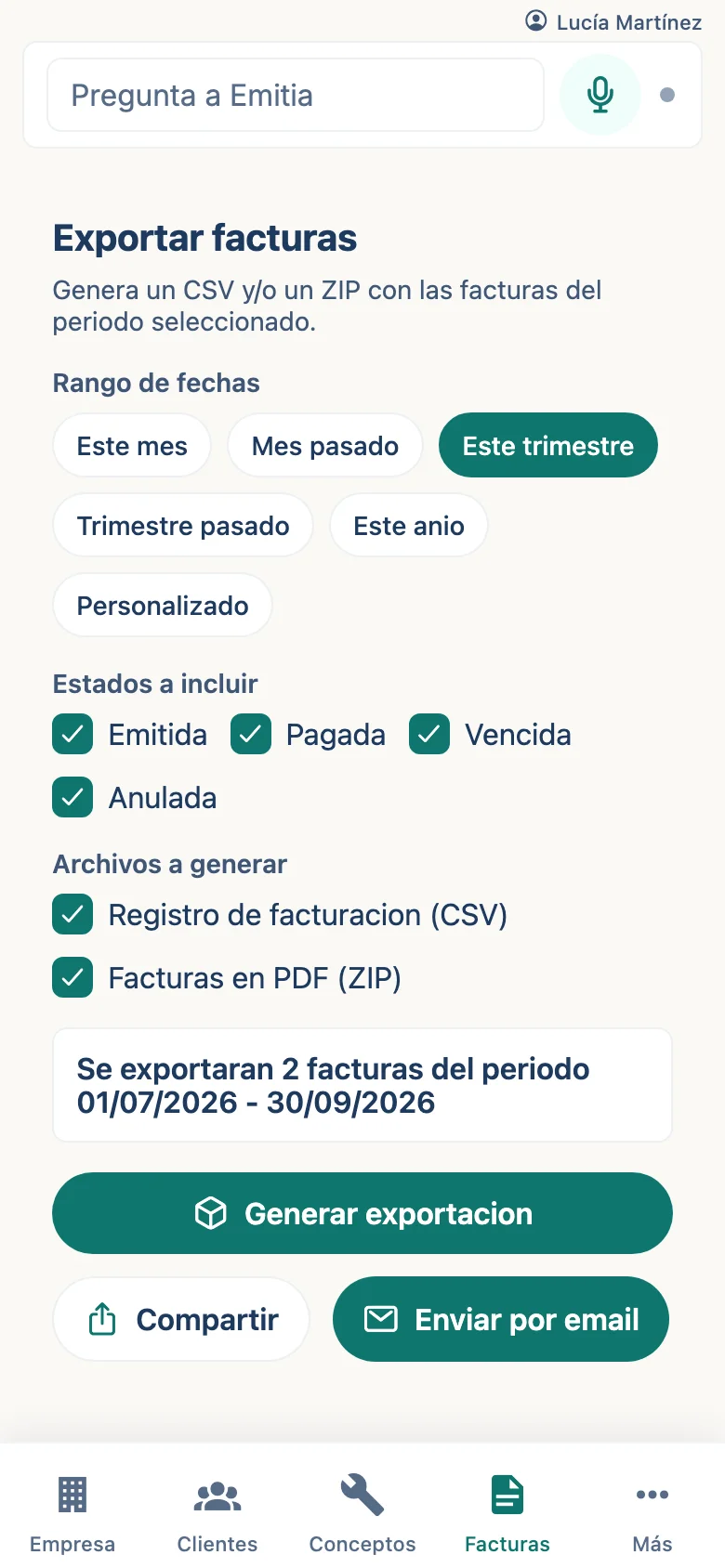
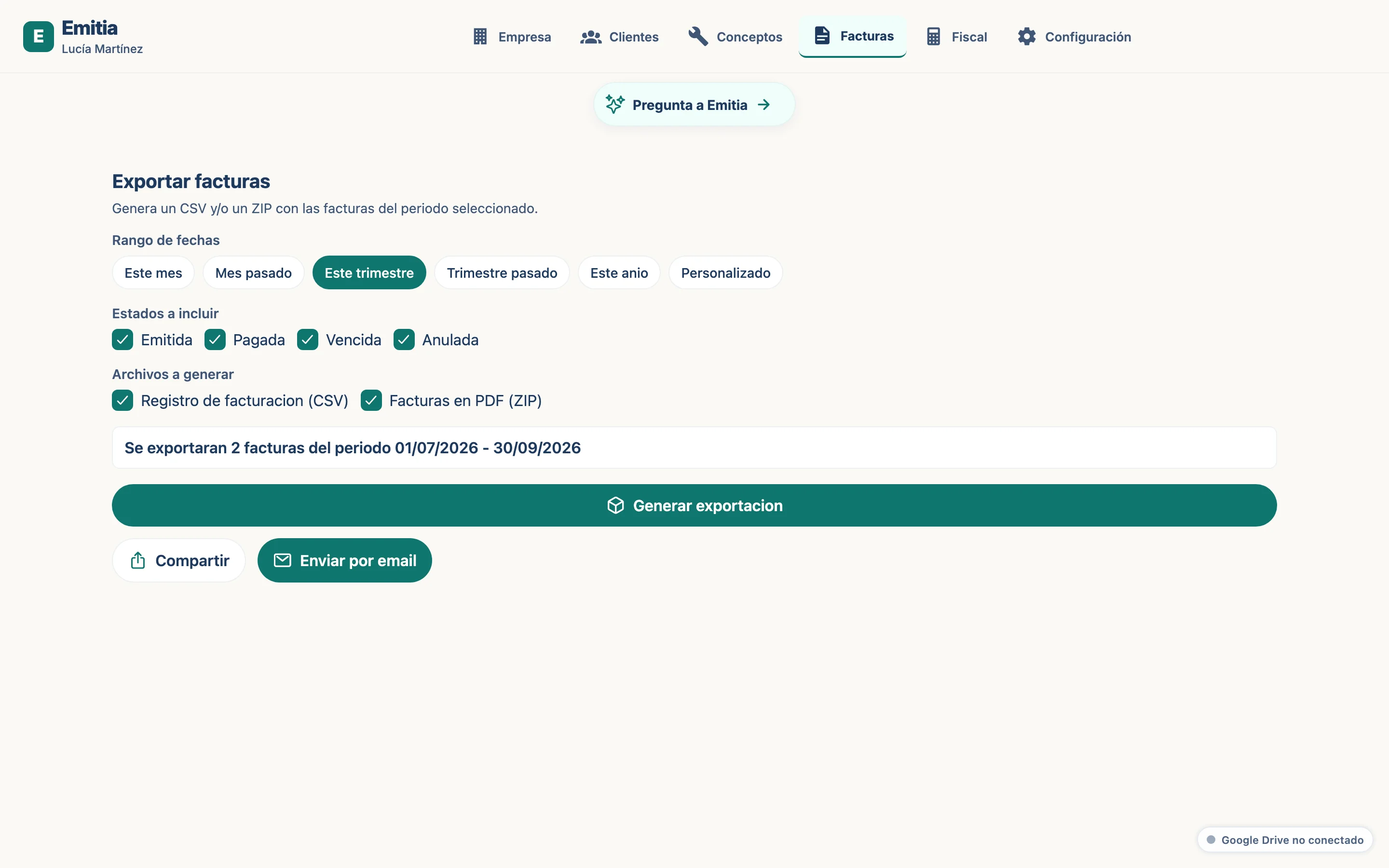
How to export your invoices for your accountant
In a few clicks you get a package with PDF invoices and a CSV summary ready for your accountant.
- 01
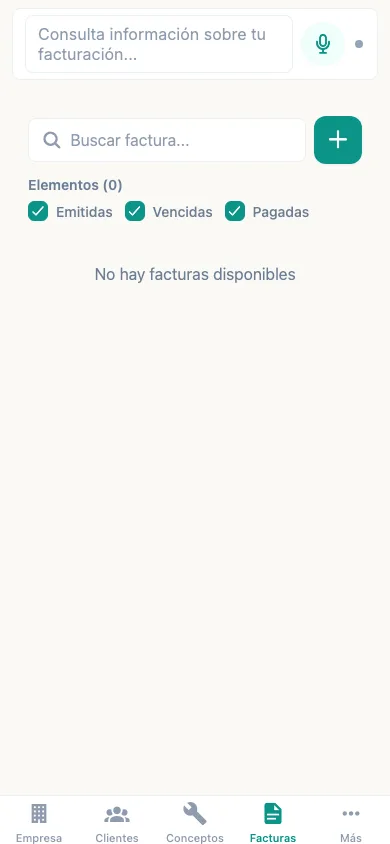
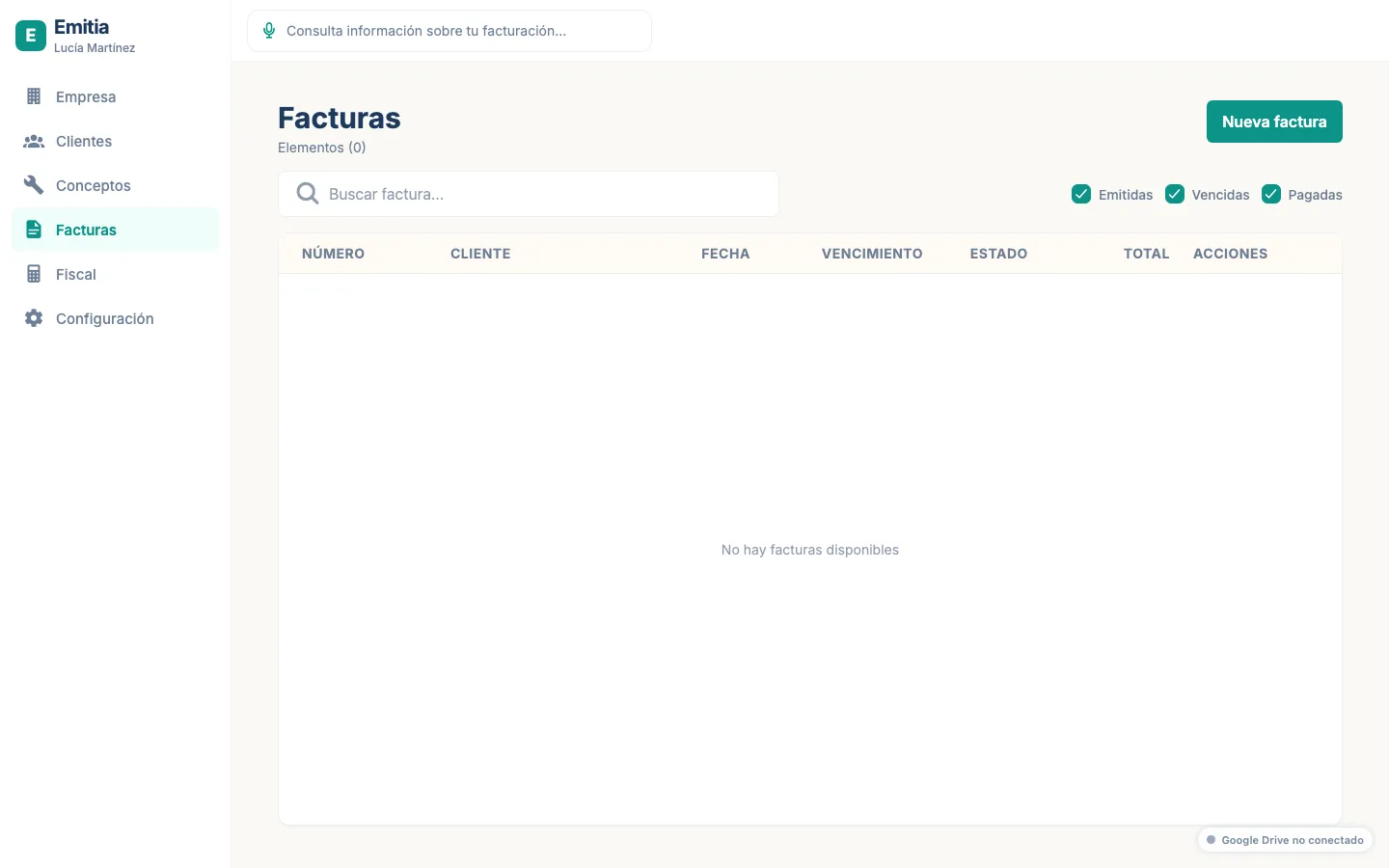
Go to Invoices
Open the invoice list. Tap the export icon or the “Export” button.
- 02
Choose the period
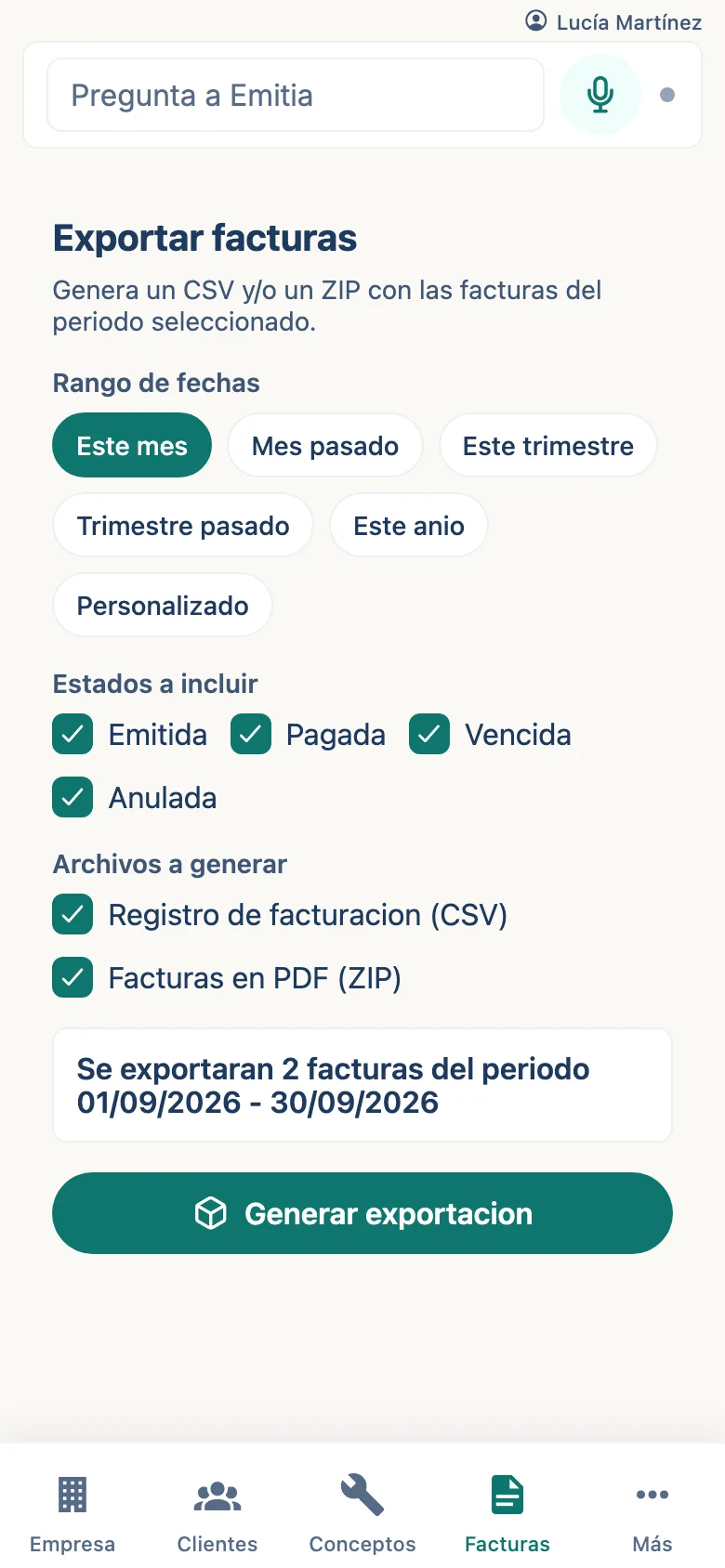
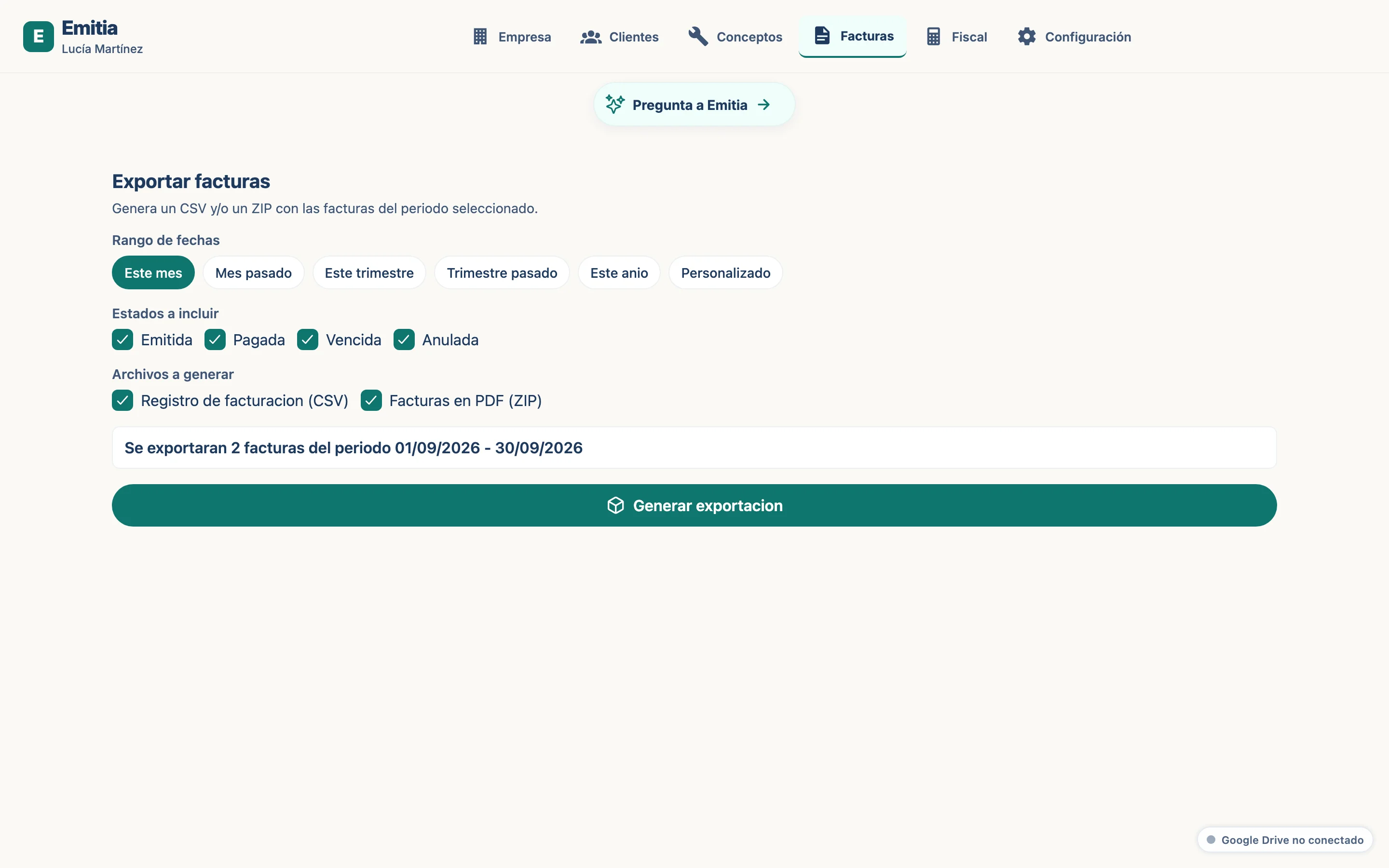
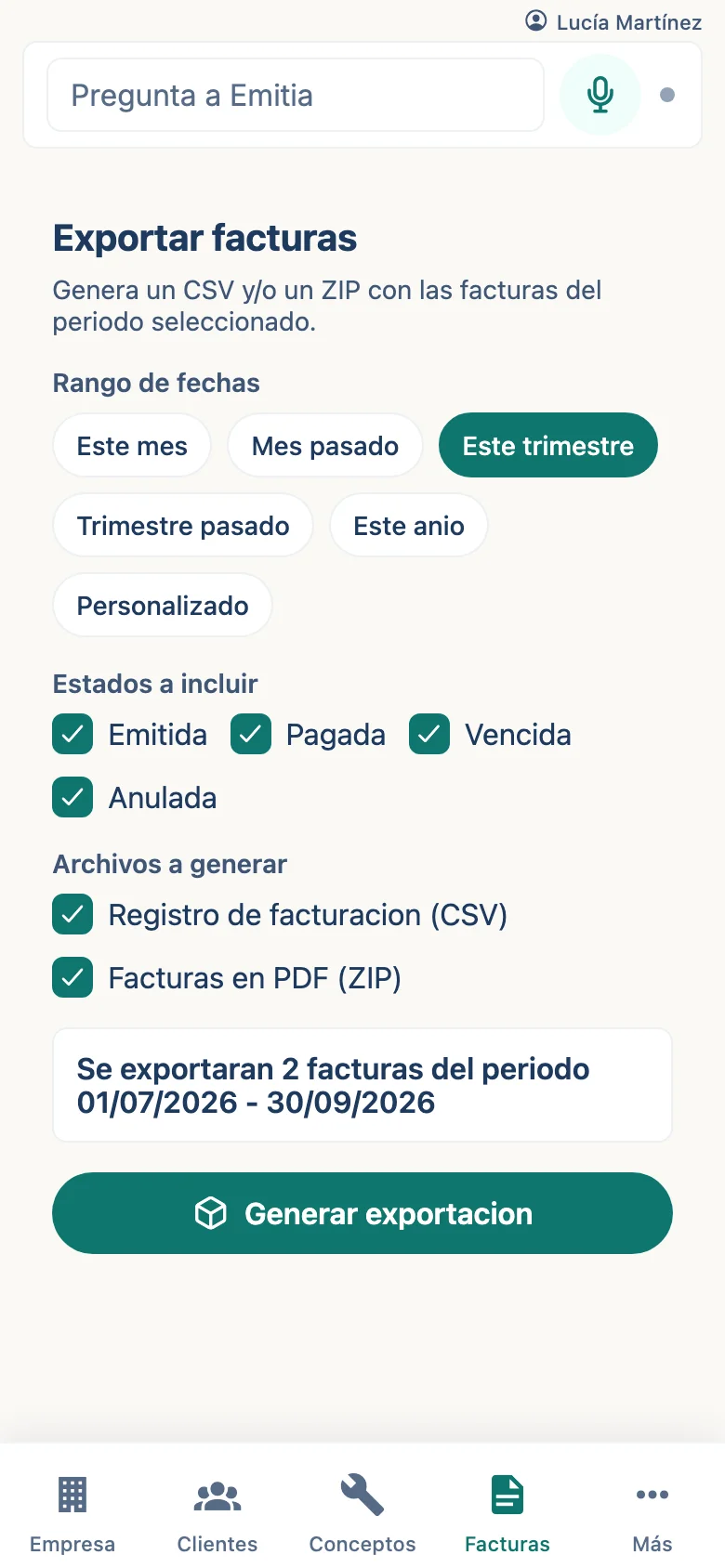
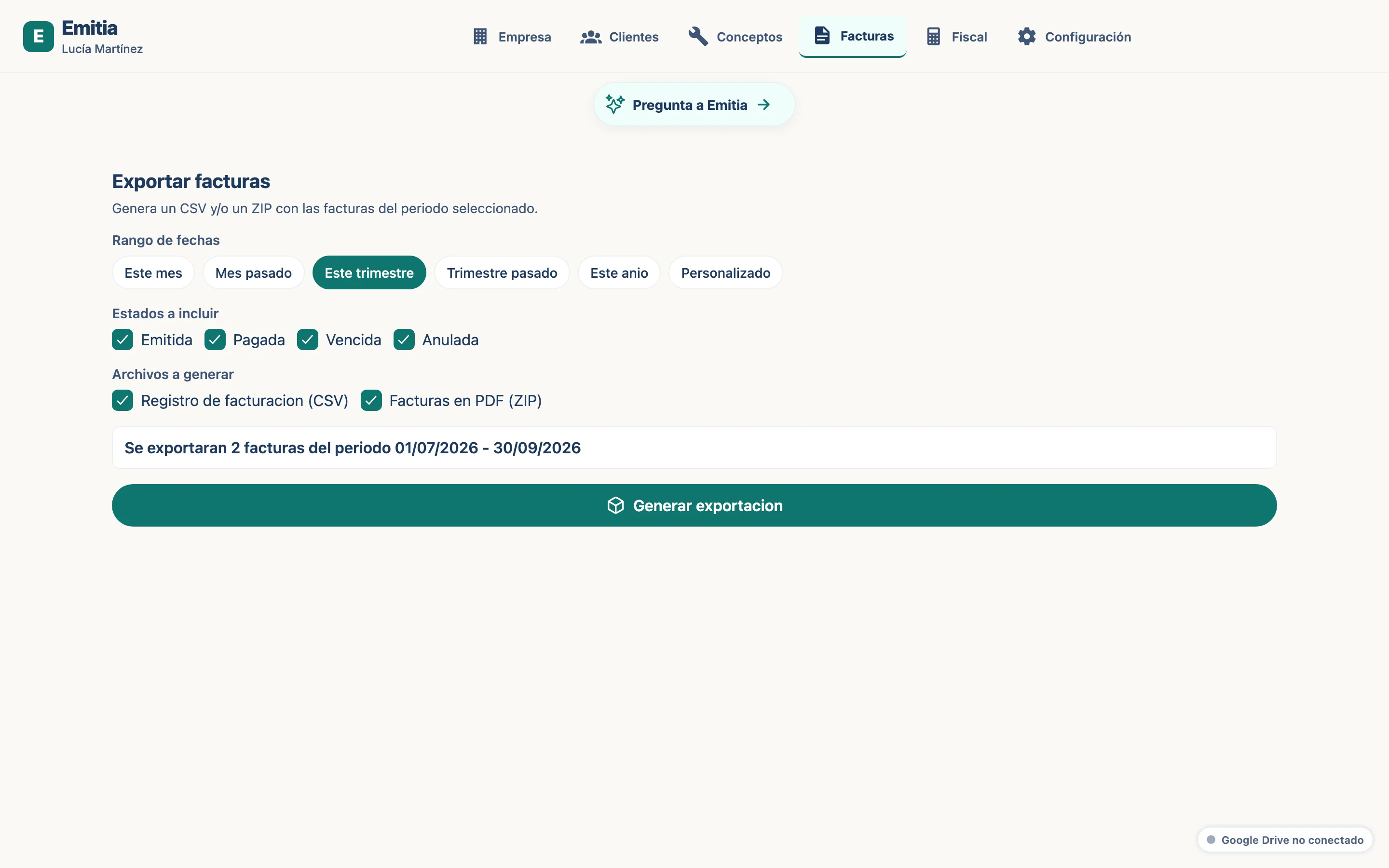
Select the date range: this month, quarter, year or a custom period.
- 03
Select statuses and language
Mark the statuses to include (issued, paid, overdue...) and choose whether to include CSV and PDFs.
- 04
Generate the package
Tap “Generate”. Download the ZIP with all the material for your accountant.