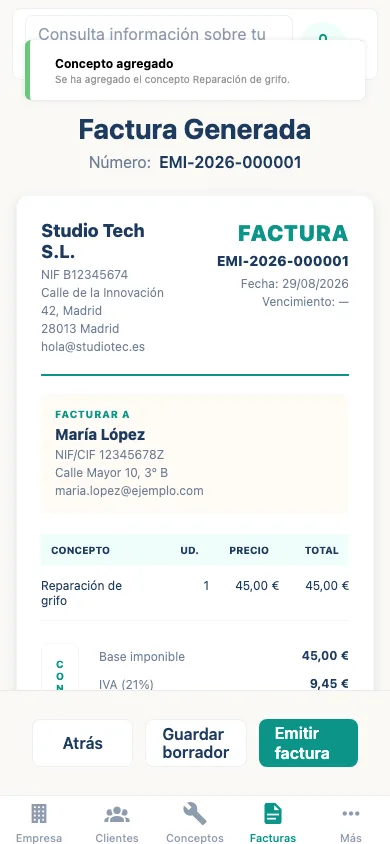
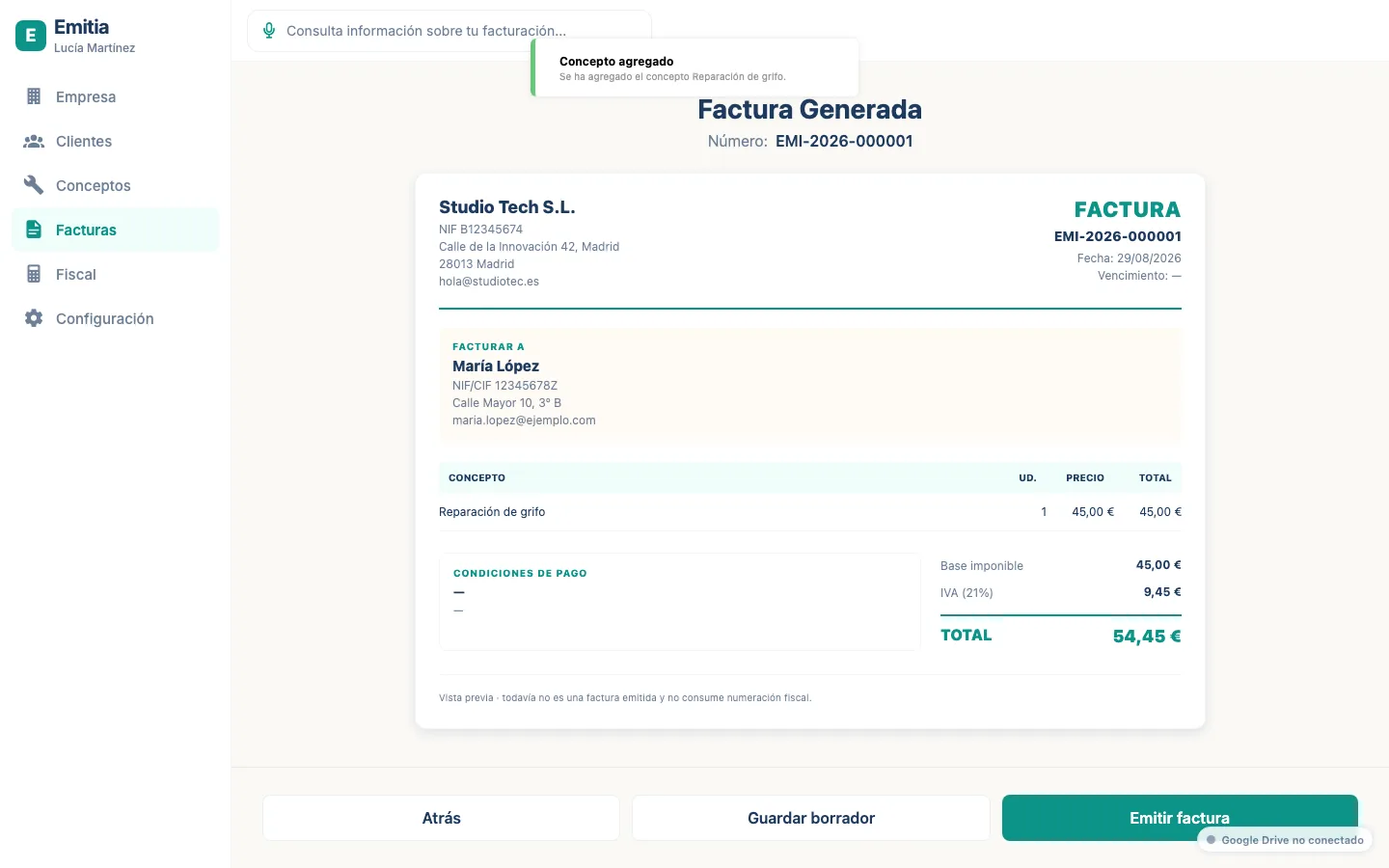
How to duplicate an invoice for a recurring client
If you regularly invoice the same items to a client, duplicate a previous invoice and adjust it.
- 01
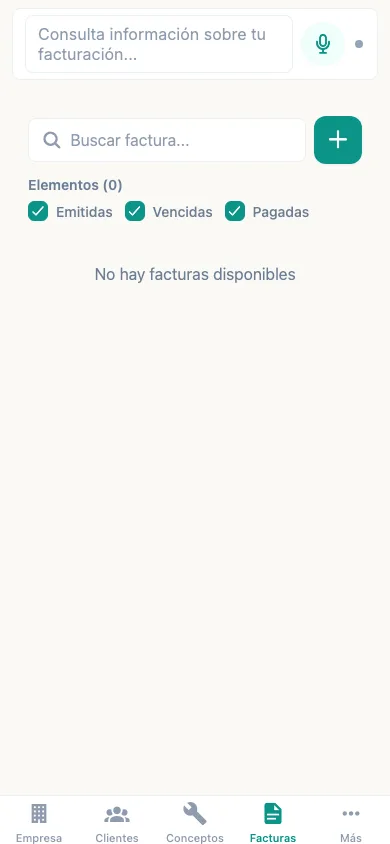
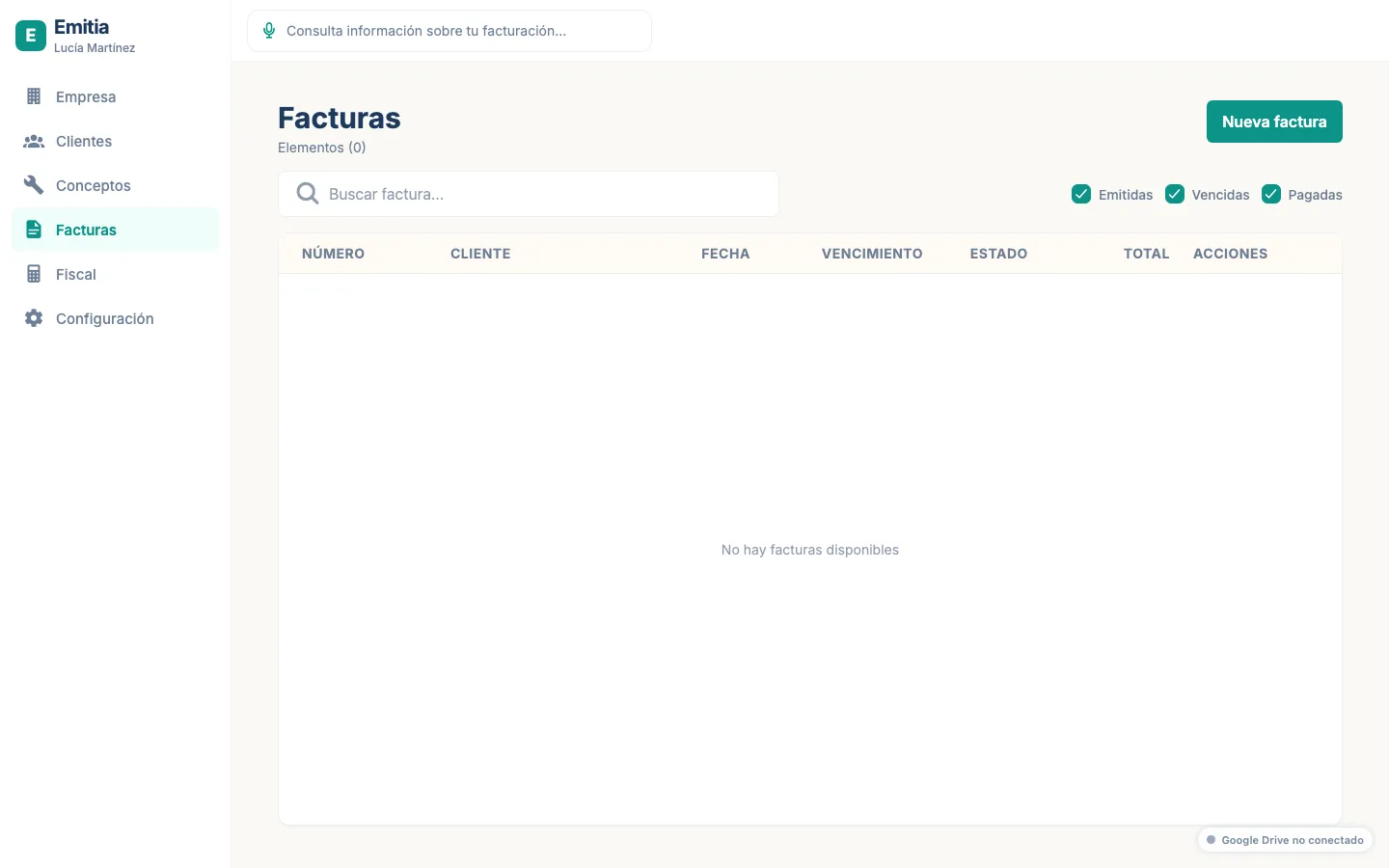
Open the previous invoice
From the list, open the invoice you want to use as a base.
- 02
Duplicate it
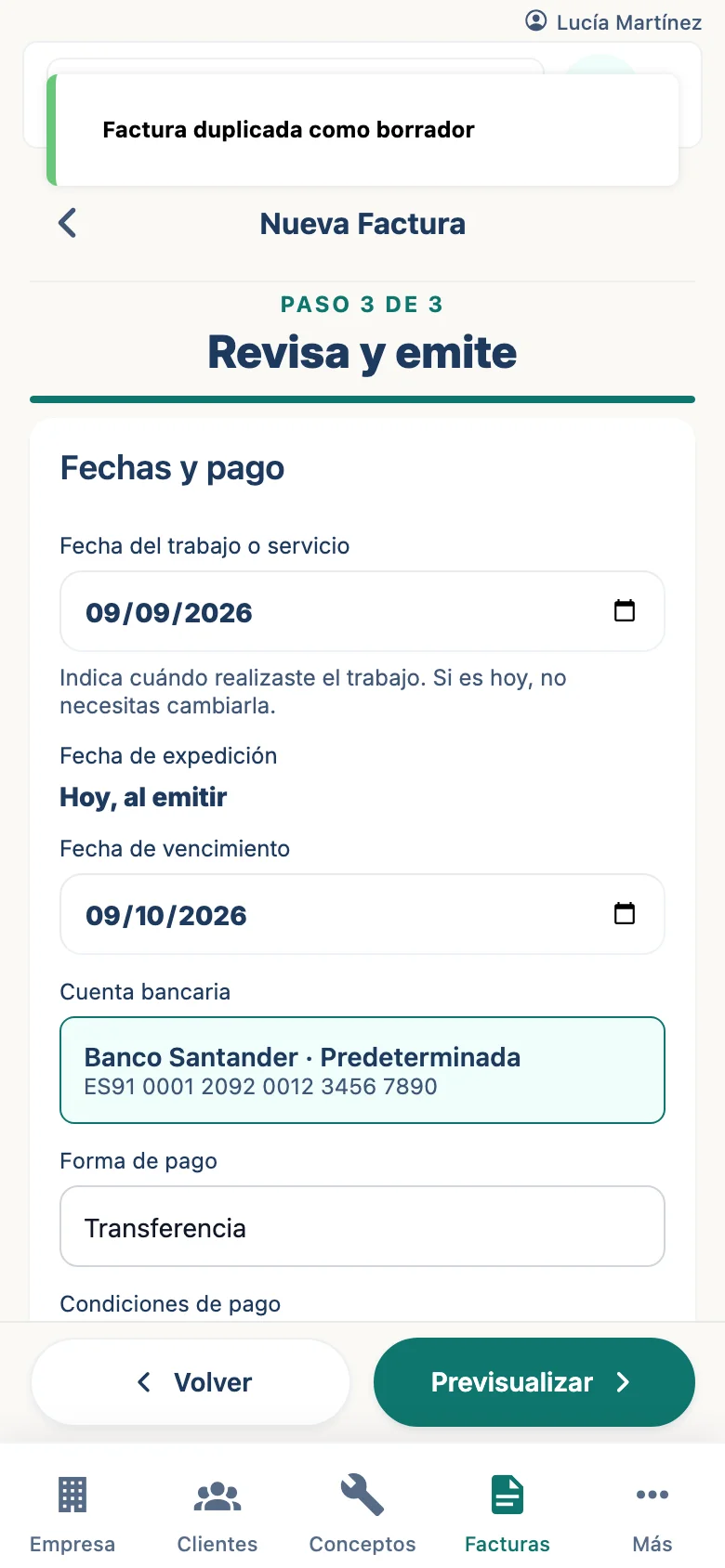
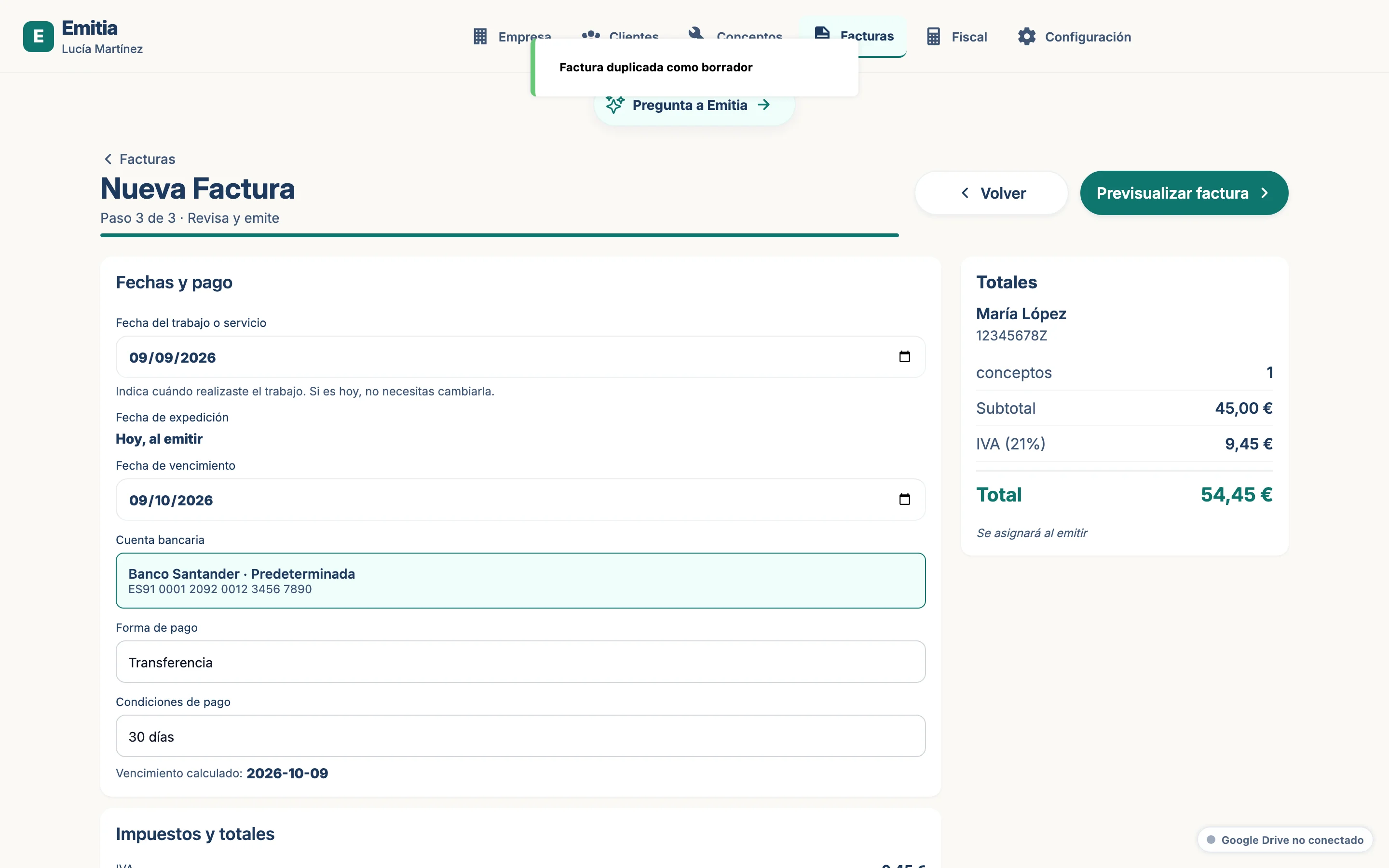
Tap “Duplicate”. A draft will be created with the same data and items.
- 03
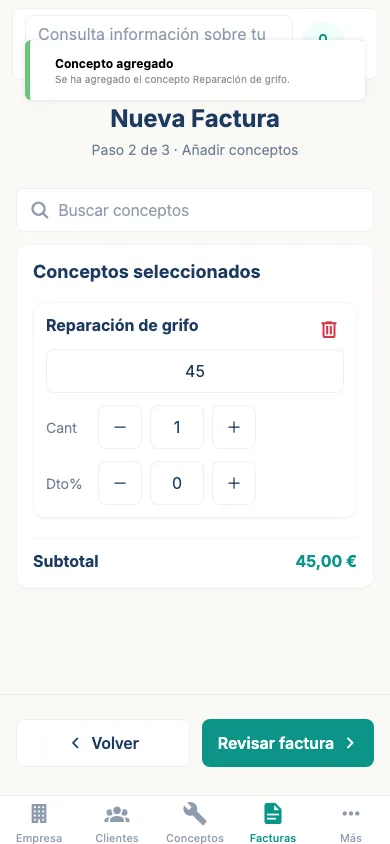
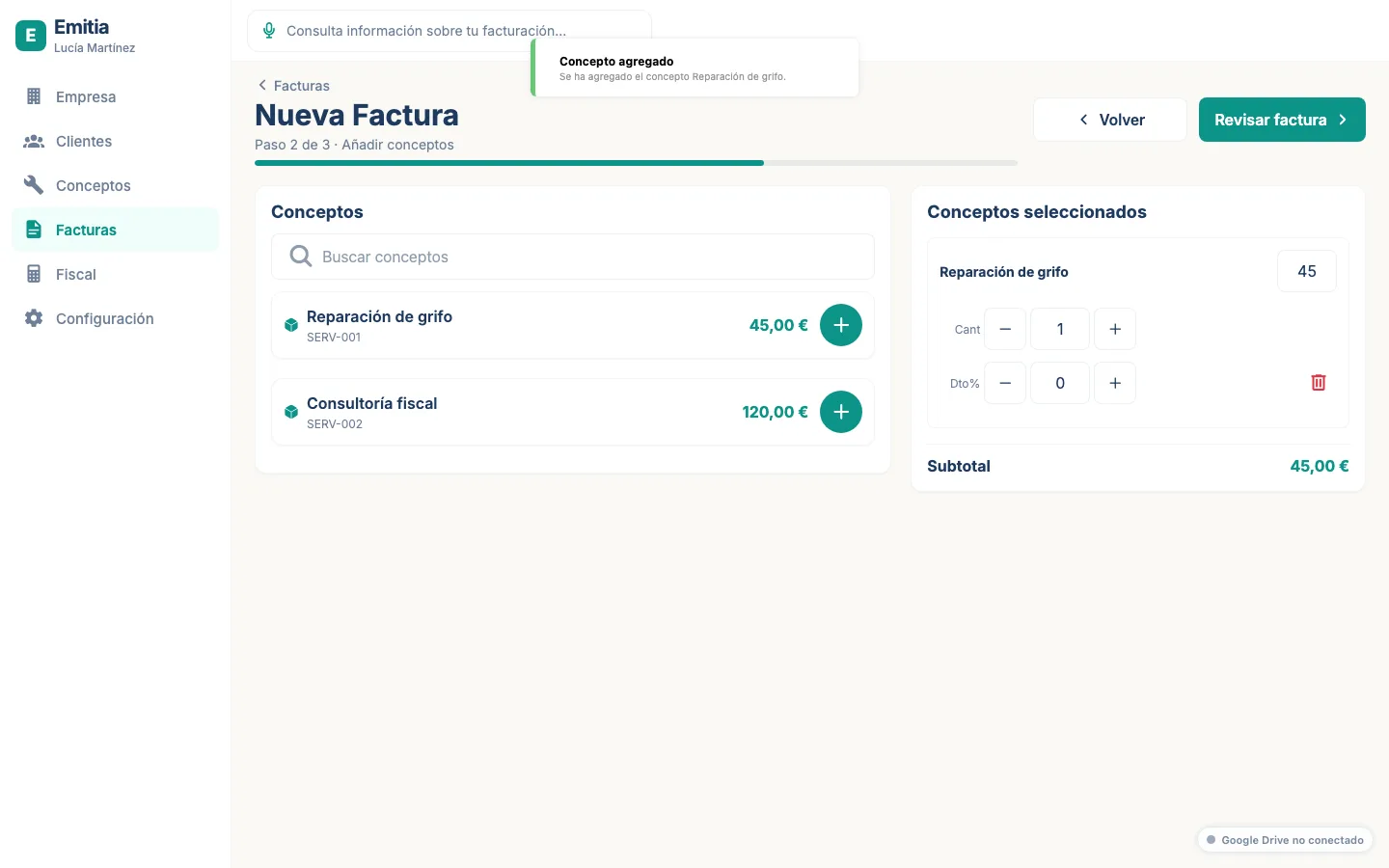
Adjust client or items
If necessary, change the client, dates or items and review the totals.
- 04
Issue the new invoice
Preview the PDF and confirm the issue. Emitia will assign the next available number.