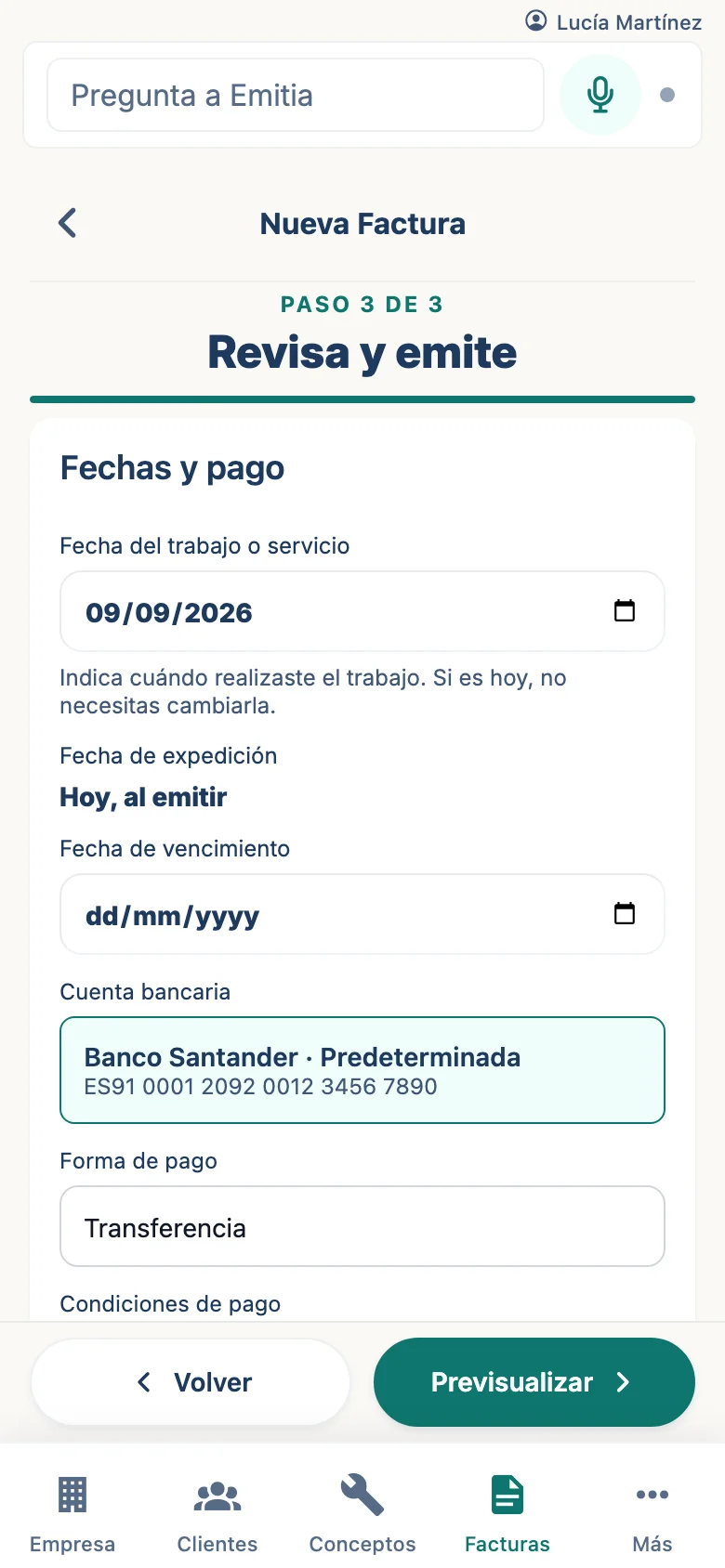
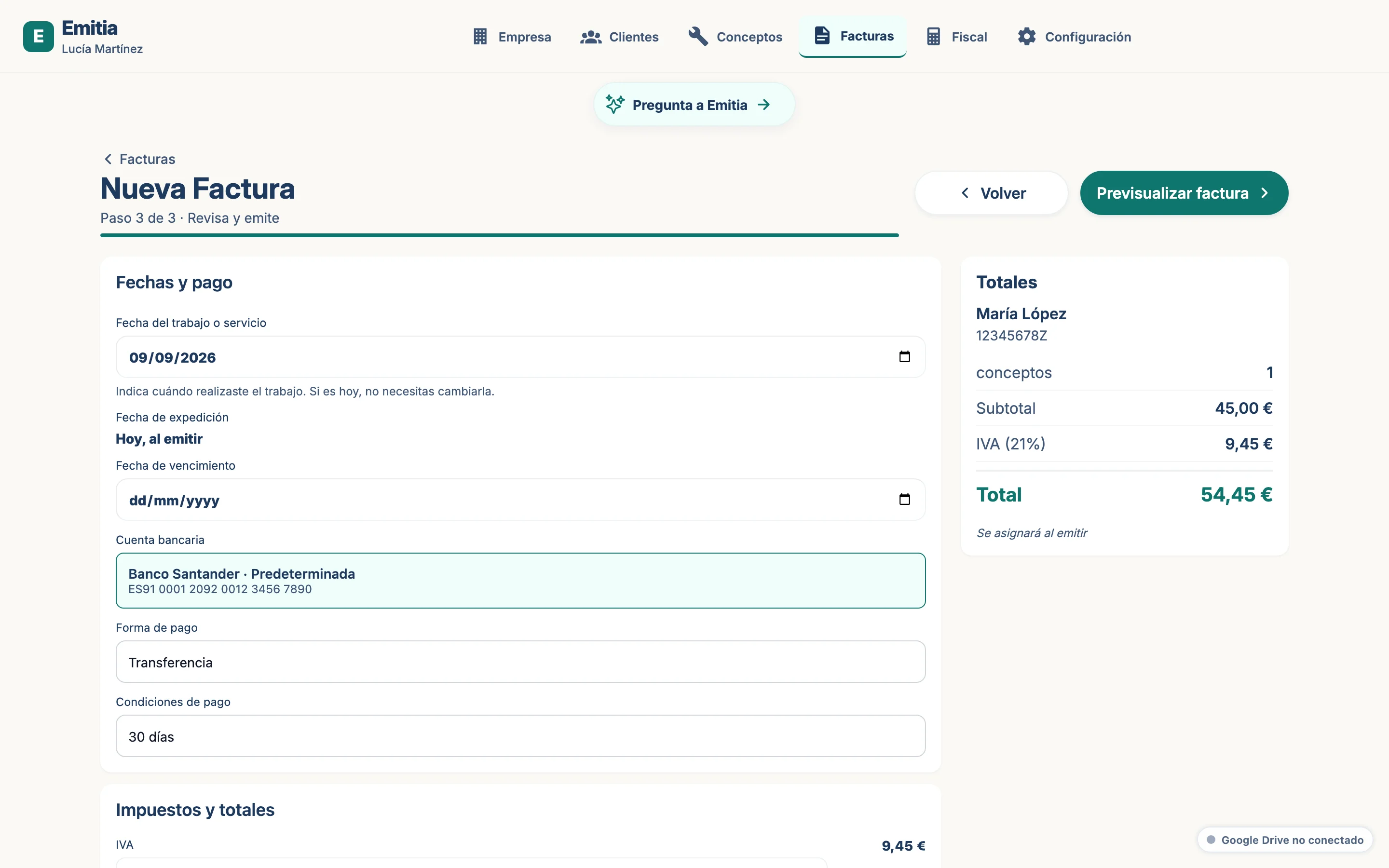
How to create a rectifying invoice
A rectifying invoice corrects an already issued invoice. Emitia numbers it with R- and references the original.
- 01
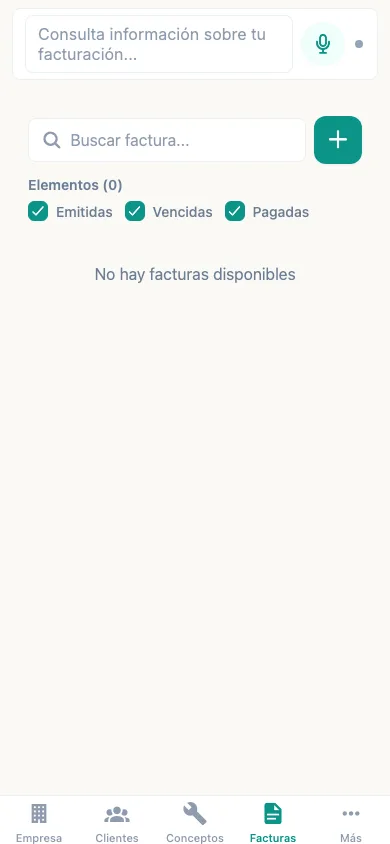
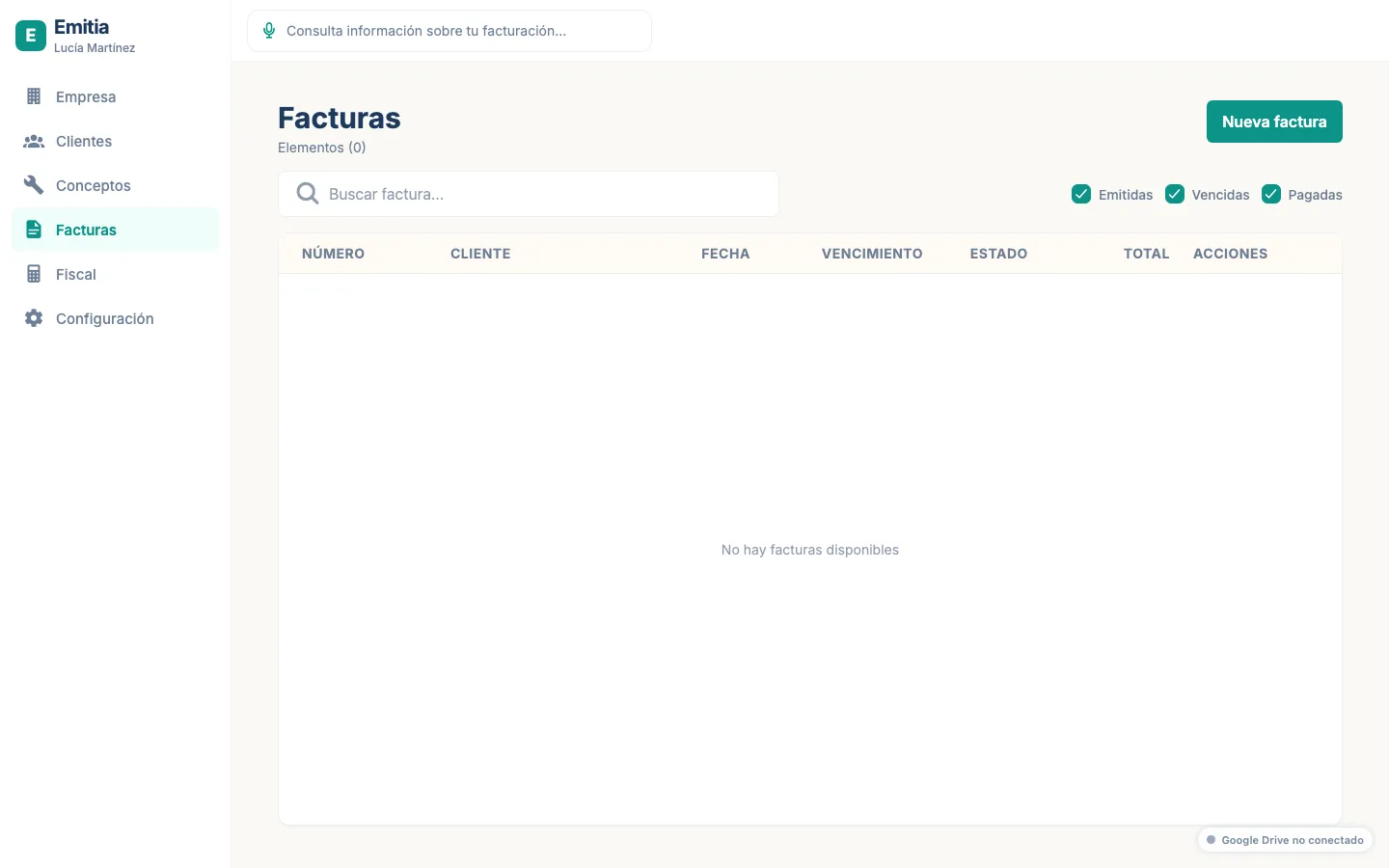
Find the original invoice
In the list, locate the invoice you want to rectify.
- 02
Start the rectification
Open the invoice and tap “Rectify”. Choose the rectification type (R1, R2, R3...).
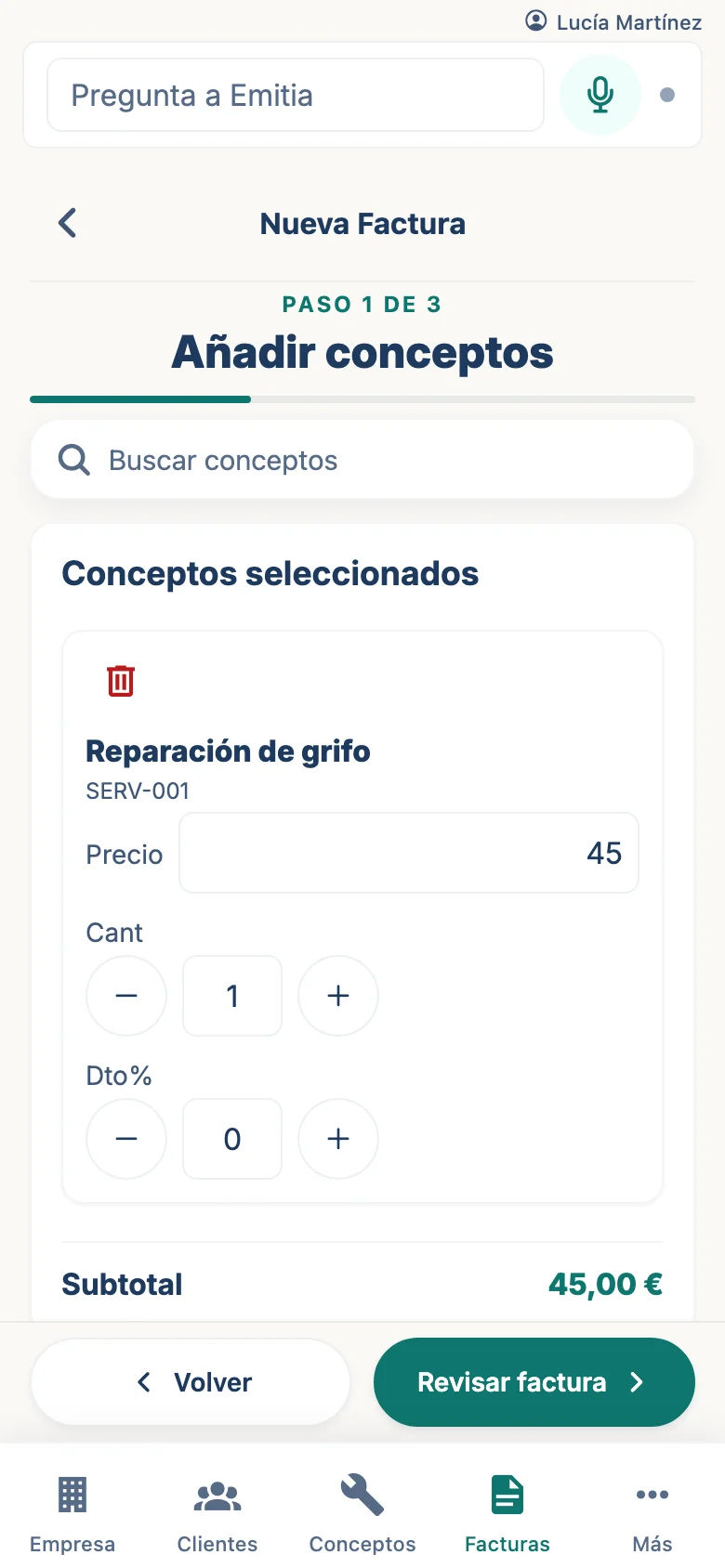
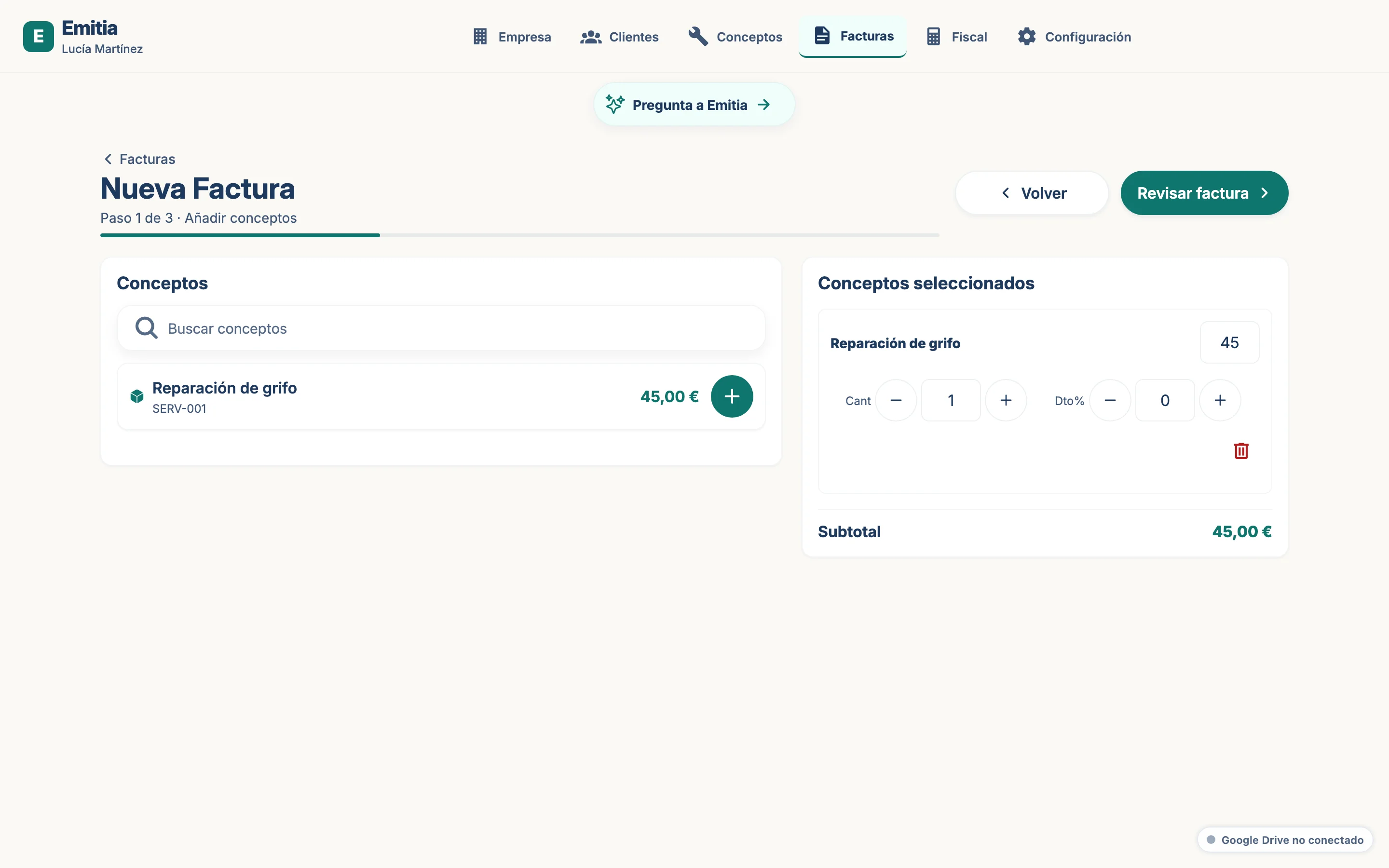
- 03
Enter rectification data
Enter the reason, rectified amounts and references to the original invoice.
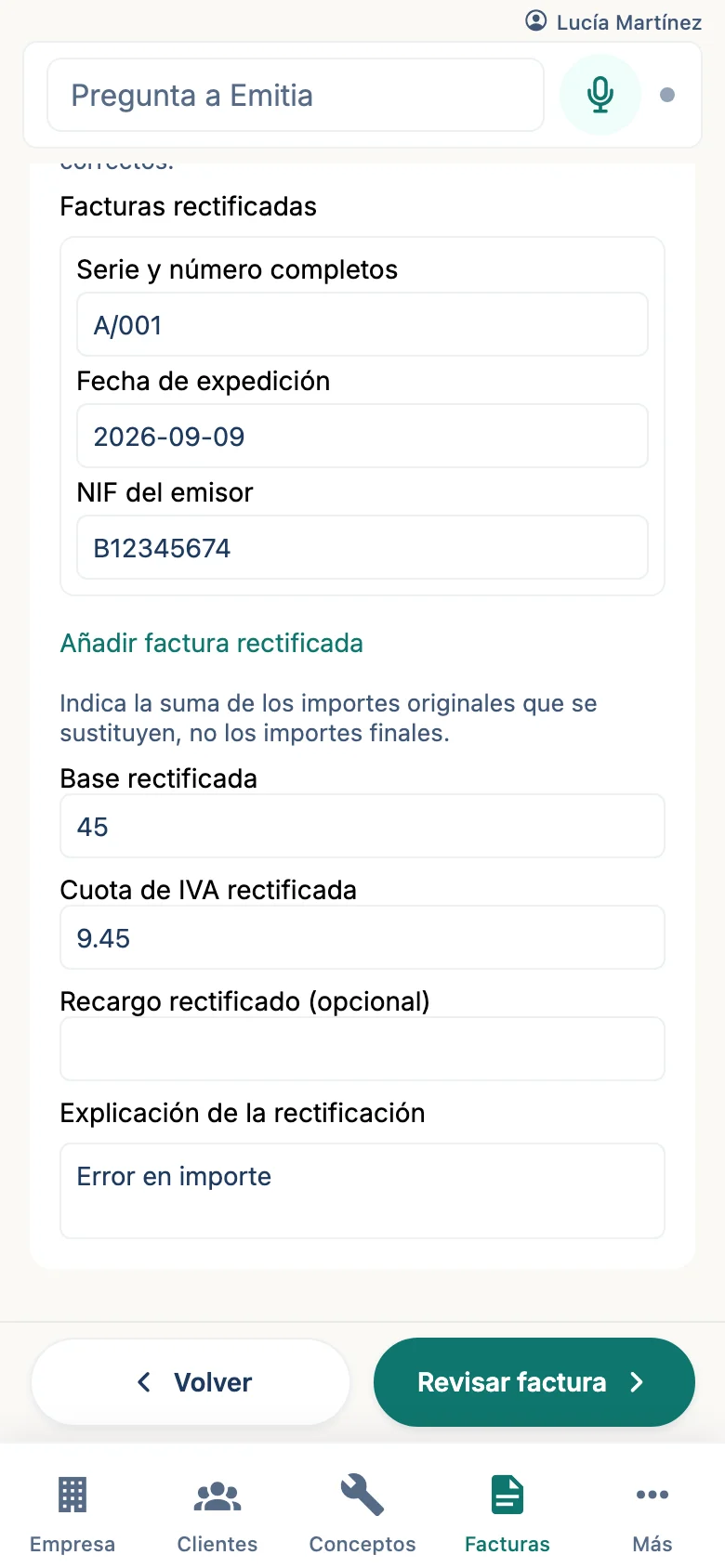
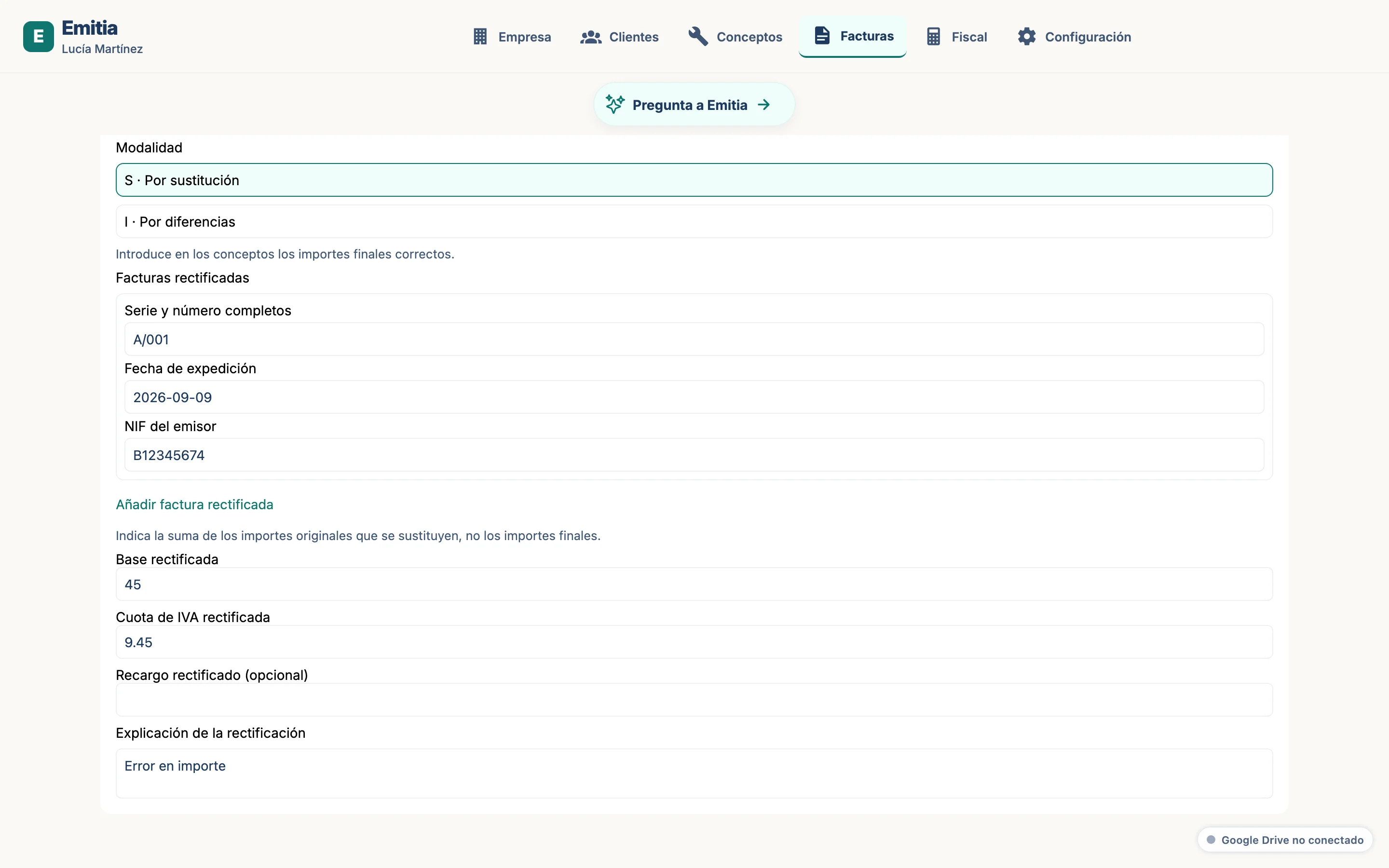
- 04
Review and issue
Check the corrected total, preview the PDF and issue the rectifying invoice.